01
No app at the table
A short join code and browser link are enough. Guests can contribute without creating an account or installing anything.
For weddings
Give every guest an easy way to share the words, photographs, and small moments that do not fit inside a traditional guest book.
Why GuestWalls
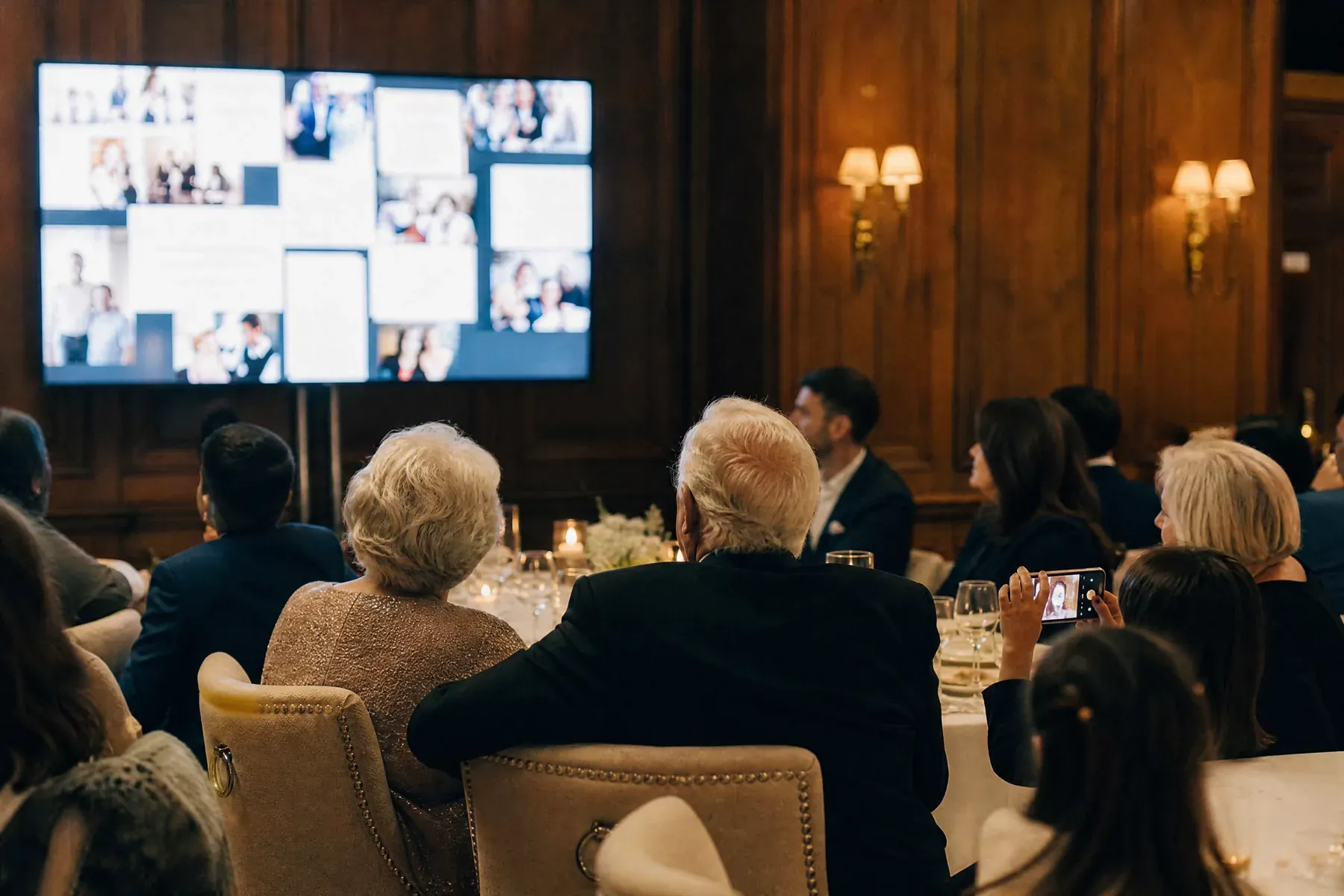
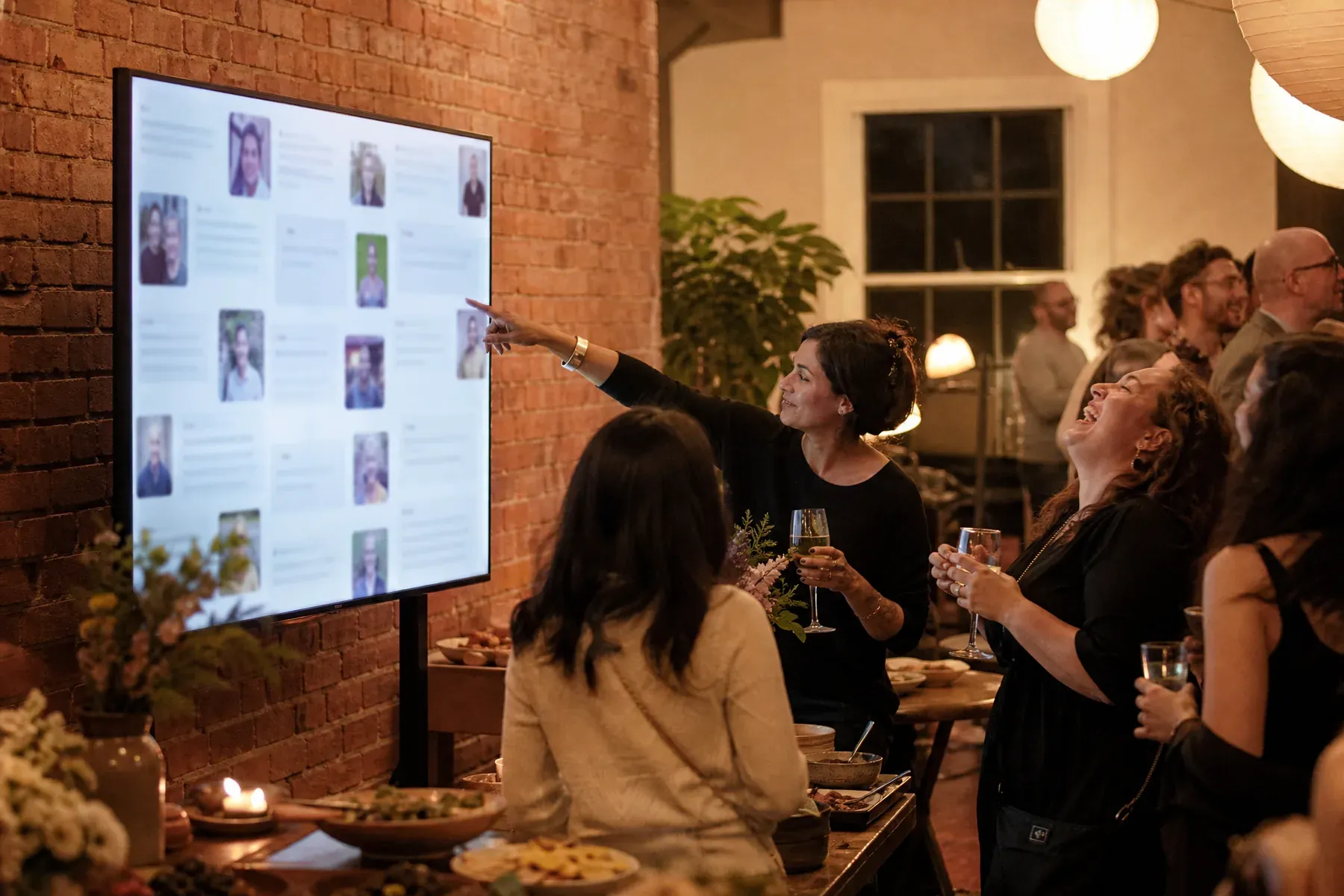
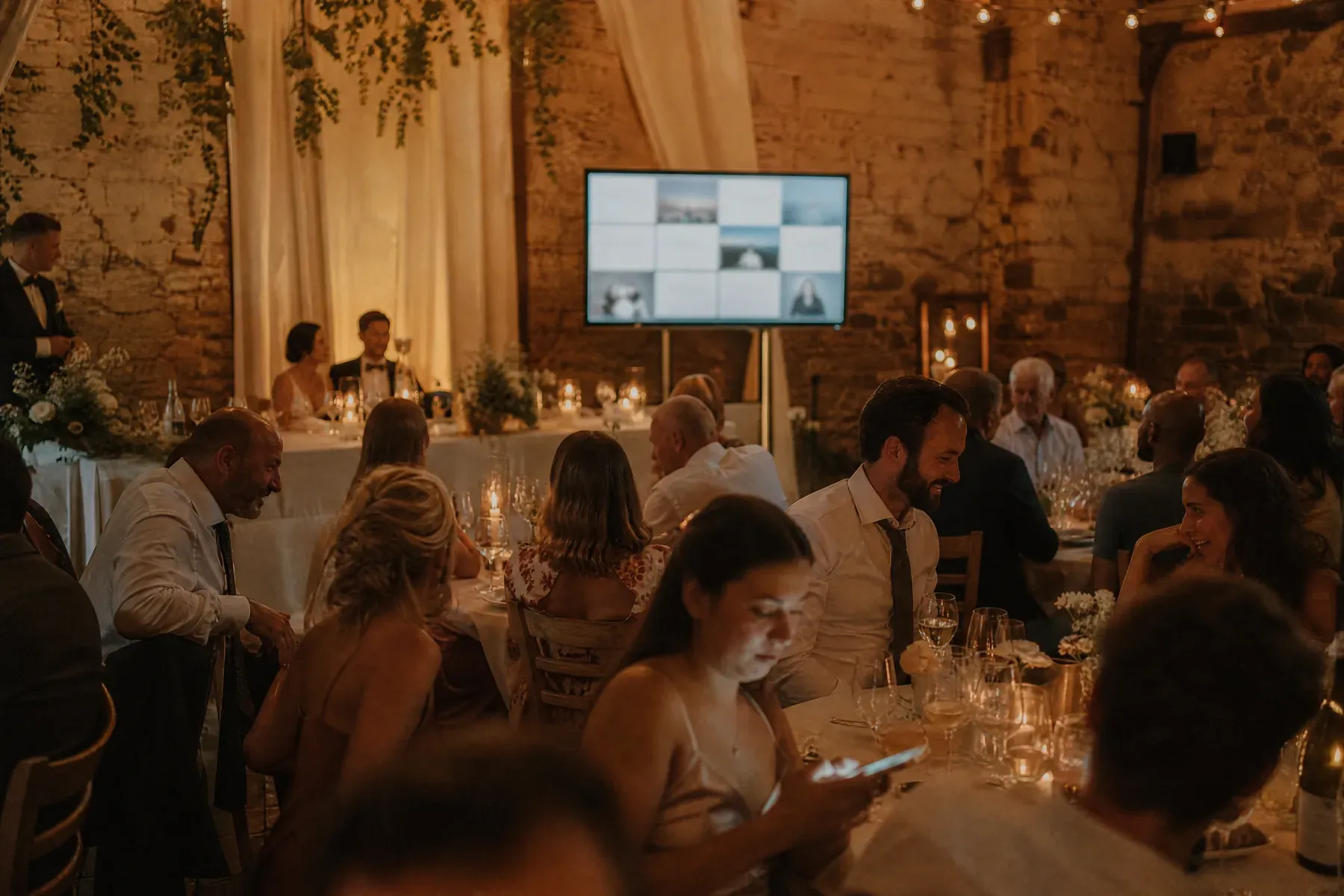
Guests open a link or scan a QR code, add a message from their own phone, and watch it arrive on the venue screen. You choose an elegant wedding theme, decide whether posts need approval, and keep the complete wall after the reception.
01
A short join code and browser link are enough. Guests can contribute without creating an account or installing anything.
02
Refined typography, quiet motion, and wedding-ready palettes make the display feel intentional beside the rest of your styling.
03
The wall becomes a living record of the people in the room, ready to replay once the flowers have been packed away.

What to ask for
A blank wall gets polite one-liners. A specific question gets the messages you will reread in ten years. Rotate one of these through the evening:
From blank wall to live event
Start with an elegant preset, then adjust the color and type if you want it to match your stationery or venue.
Add it to table cards, the order of service, a welcome sign, or the venue screen itself.
Open the display on a TV or projector. Approve messages first, or let trusted guests post directly.
Questions, answered
No. Guests join in a normal phone browser using a link, QR code, or short event code.
Yes. The host can use approval mode for every post, or allow messages to appear immediately.
Yes. Begin with a wedding preset and adjust its colors and typography without designing the screen from scratch.
You need an internet-connected computer and a screen, television, or projector. Guests use their own phones.
Guests post over their own mobile data, so a weak venue network only affects the display machine. Messages that arrive while the display reconnects appear as soon as it is back.
Set up in three minutes. One code, one unforgettable screen.