01
Reaches people who left years ago
Send the link to former colleagues and alumni. They post from anywhere, and their messages land in the room on the night.
For retirements
A leaving card gets passed around three floors and comes back with sixty signatures and four sentences. A live wall gives everyone who worked with them the space to say what they actually mean.

Why GuestWalls
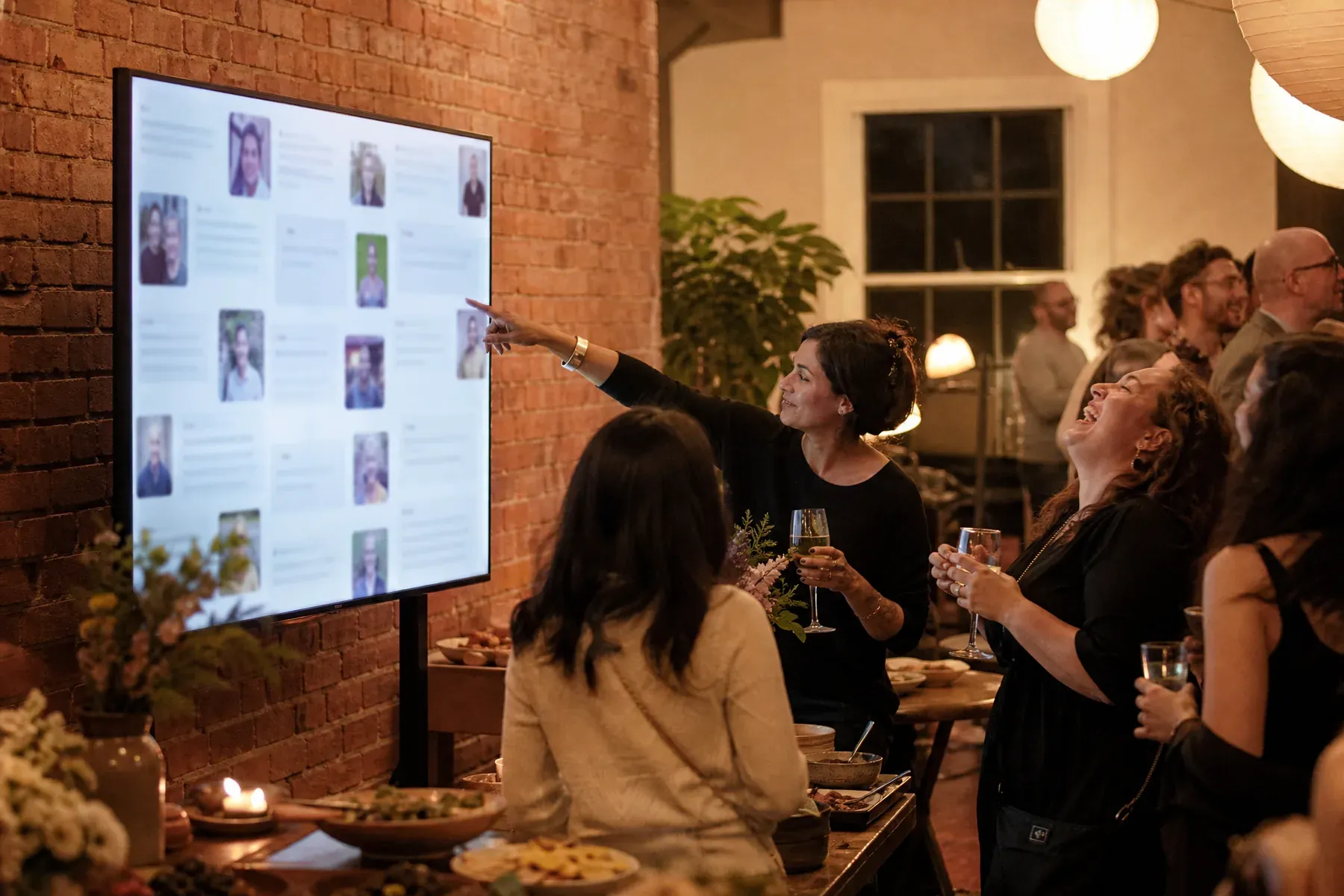
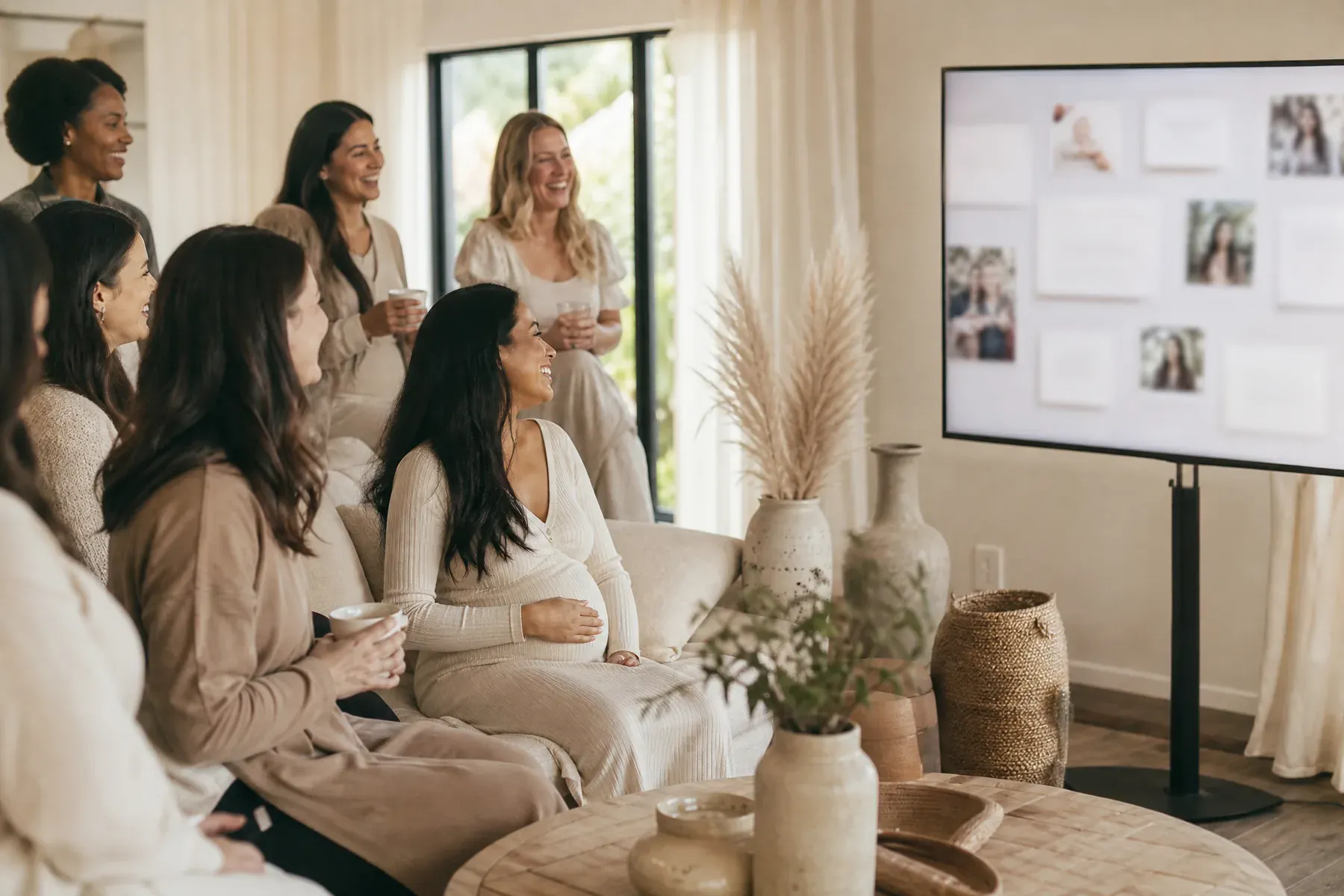
Colleagues past and present post from their phones: the story from the old office, the project nobody else remembers, the photograph from a conference in 2009. It runs on the screen during the party and becomes something the retiree takes home—which is more than can be said for the card.
01
Send the link to former colleagues and alumni. They post from anywhere, and their messages land in the room on the night.
02
Nobody is limited to the space between two other signatures, and photographs can come with the story.
03
The complete wall replays after the party, so the messages outlast the last day in the building.

What to ask for
The prompts that get real answers out of colleagues:
From blank wall to live event
Email the link to current staff and former colleagues so the wall is already deep before the party starts.
"Tell us about a time they saved you" beats "say goodbye" by a wide margin.
Run the display during drinks and replay the whole wall as the send-off.
Questions, answered
Yes. There are no accounts at all for guests. Anyone with the link or event code can post from a browser.
Yes. Run the event in approval mode and simply do not open the display until the party, so nothing is visible early.
Yes. Start from a clean preset and apply your colors and typography with a small set of controlled options.
Yes. The wall can be replayed as a complete presentation after the event and revisited during the retention window.
Set up in three minutes. One code, one unforgettable screen.