01
Everyone gets a word in
Quiet relatives and distant friends contribute alongside the loud table, without anyone passing a microphone.
For graduations
A graduation gathers people from every chapter of a graduate's life—family, classmates, teachers, and friends who watched the work happen. Give them one screen to say what it meant.

Why GuestWalls
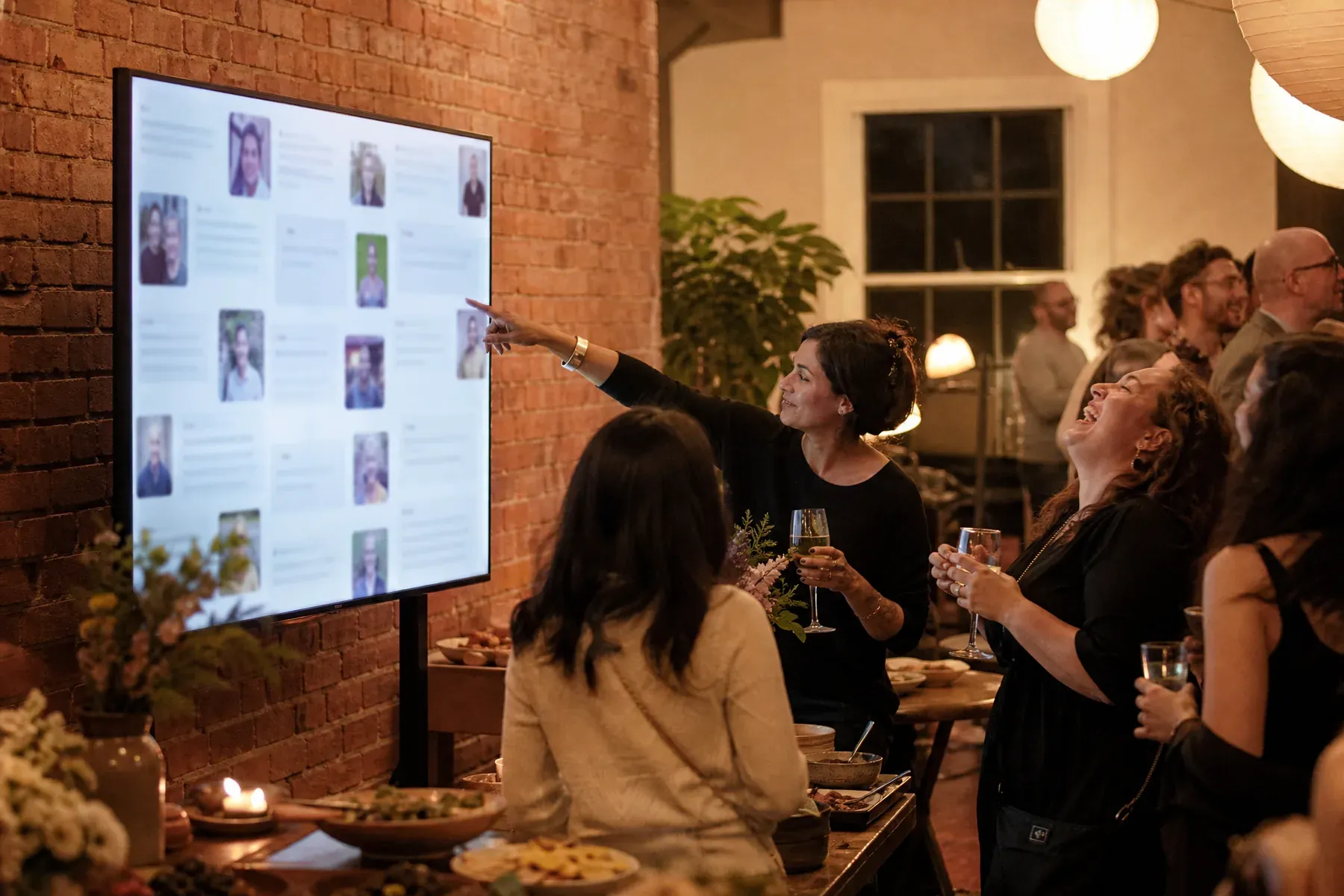
Guests scan a code at the party and post congratulations, advice for what comes next, and photographs from the years leading up to the day. The wall grows across the celebration and becomes a record of everyone who showed up—including relatives who could only be there from far away.
01
Quiet relatives and distant friends contribute alongside the loud table, without anyone passing a microphone.
02
Baby photos, first-day-of-school shots, and tonight's celebration mix on one living wall.
03
Ask guests for one line of advice for the next chapter and replay the answers for years.

What to ask for
The best graduation walls read like a book of advice. Ask for it directly:
From blank wall to live event
Create the event, pick a celebratory preset, and print the join code for the tables.
Ask for a memory, a prediction, or one piece of advice—specific prompts get better messages.
Close the evening by replaying the wall while the room watches together.
Questions, answered
Yes. Anyone with the event link or code can post from their phone, wherever they are.
Yes. Moderation mode lets organizers approve posts before they reach the screen, which suits larger public events.
Yes. Guests can upload any photo from their phone alongside their message, including scans and old favorites.
Set up in three minutes. One code, one unforgettable screen.