01
Only your room can post
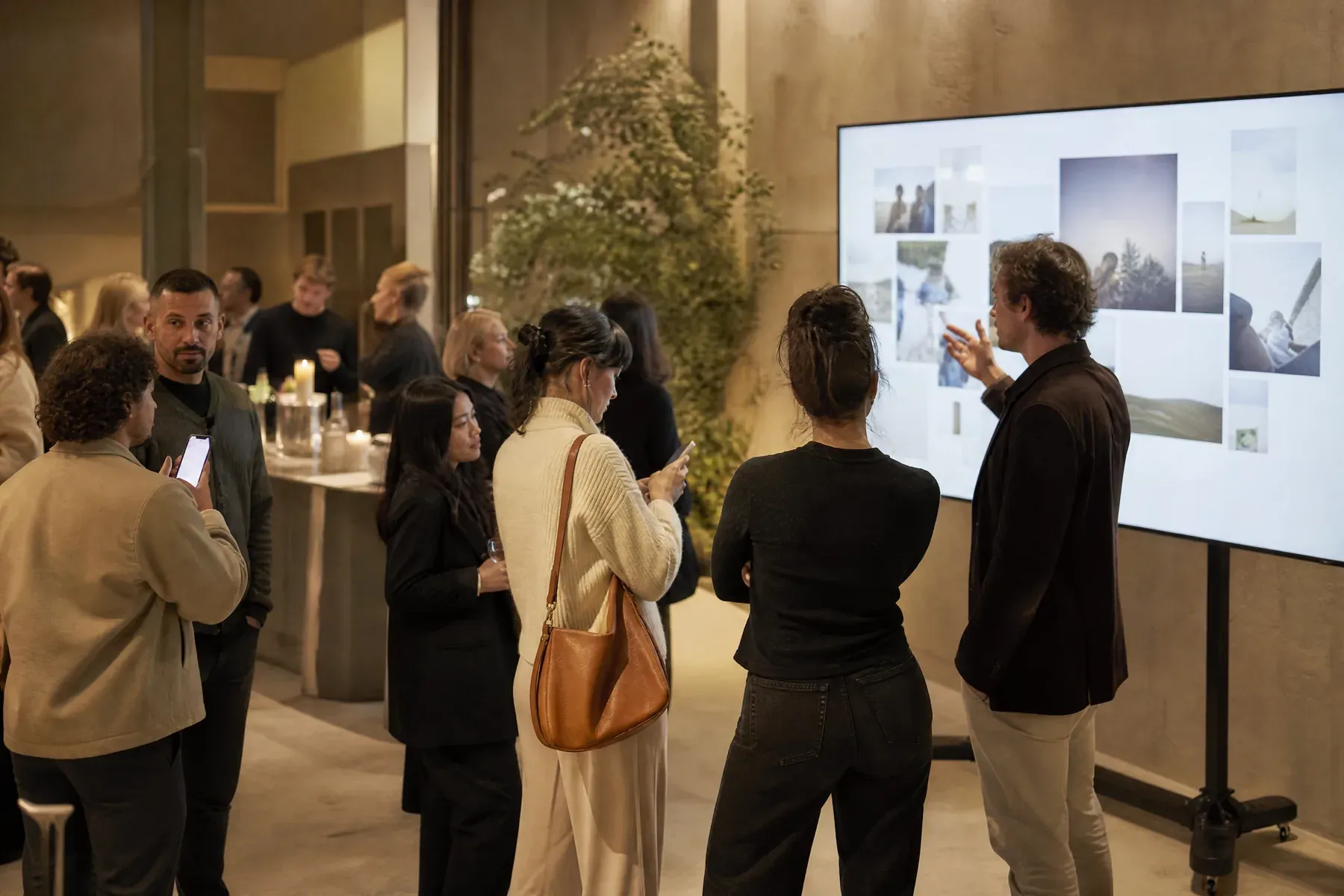
Nothing arrives from the wider internet. Posts come from people holding your event code, which is the difference between a lively screen and an incident.
For live & hybrid events
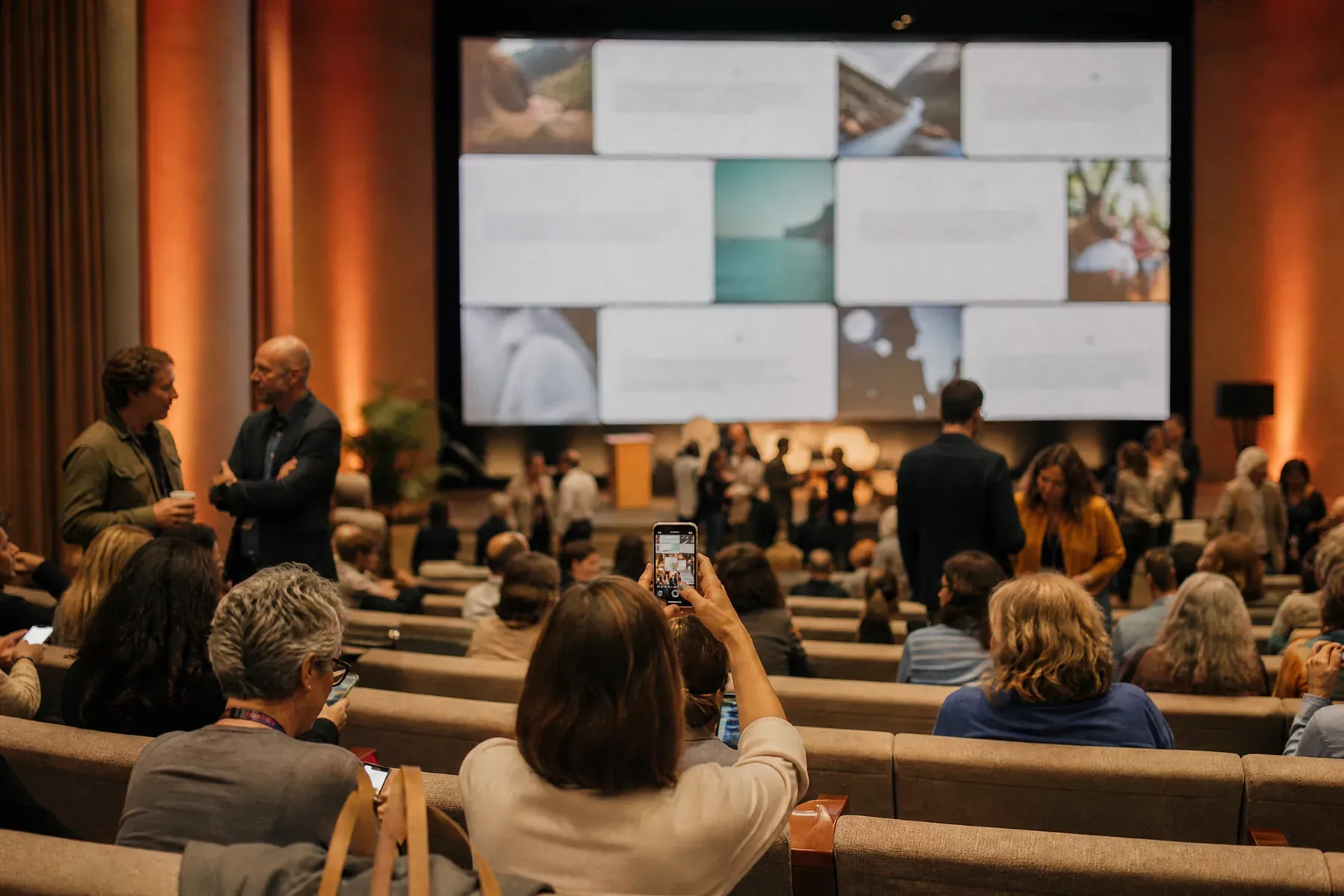
A hashtag wall shows whatever the internet decides to post. This event social wall shows what your attendees send you—reactions, questions, and photographs, straight from the seats to the screen.
Why GuestWalls
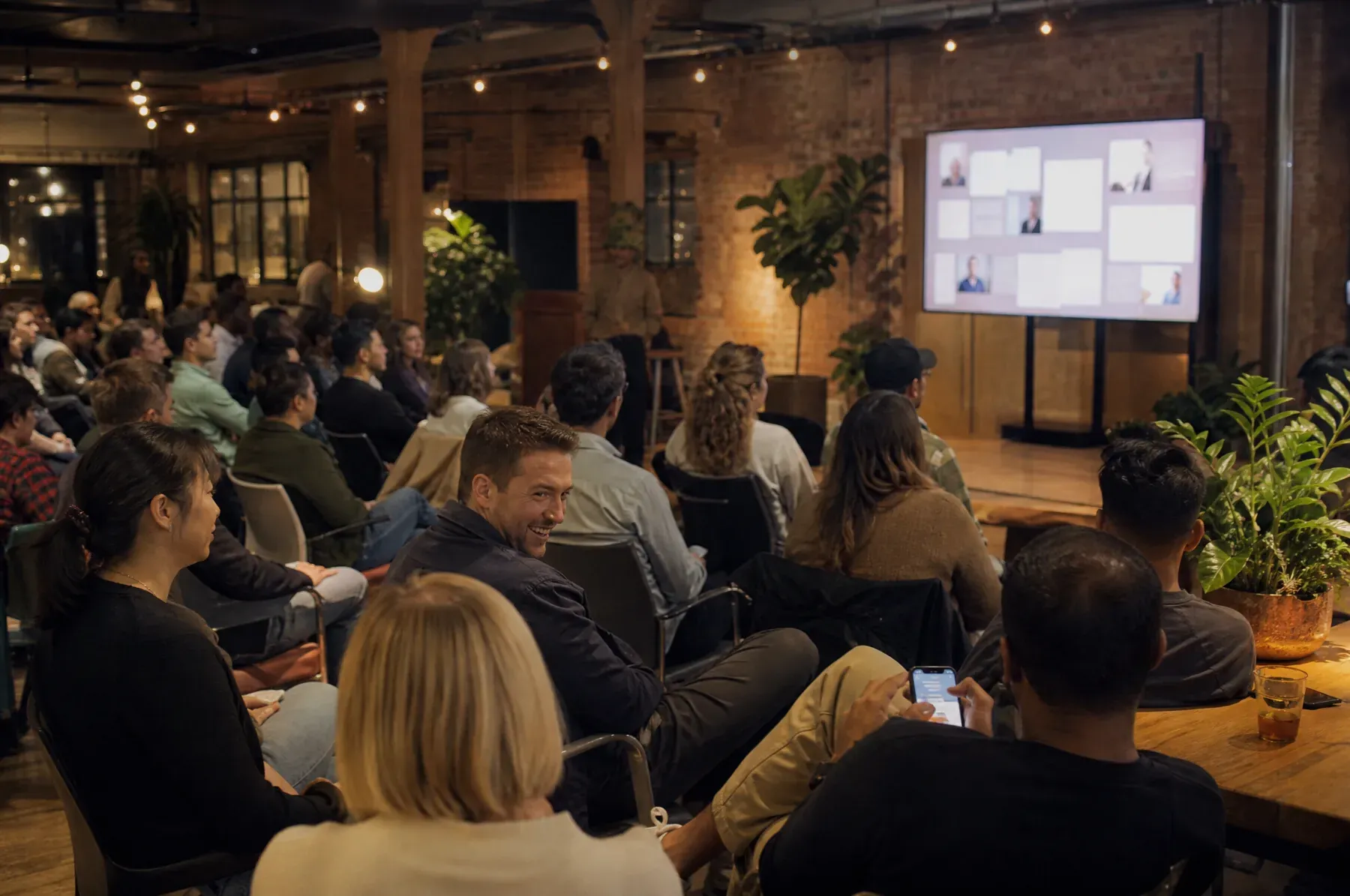
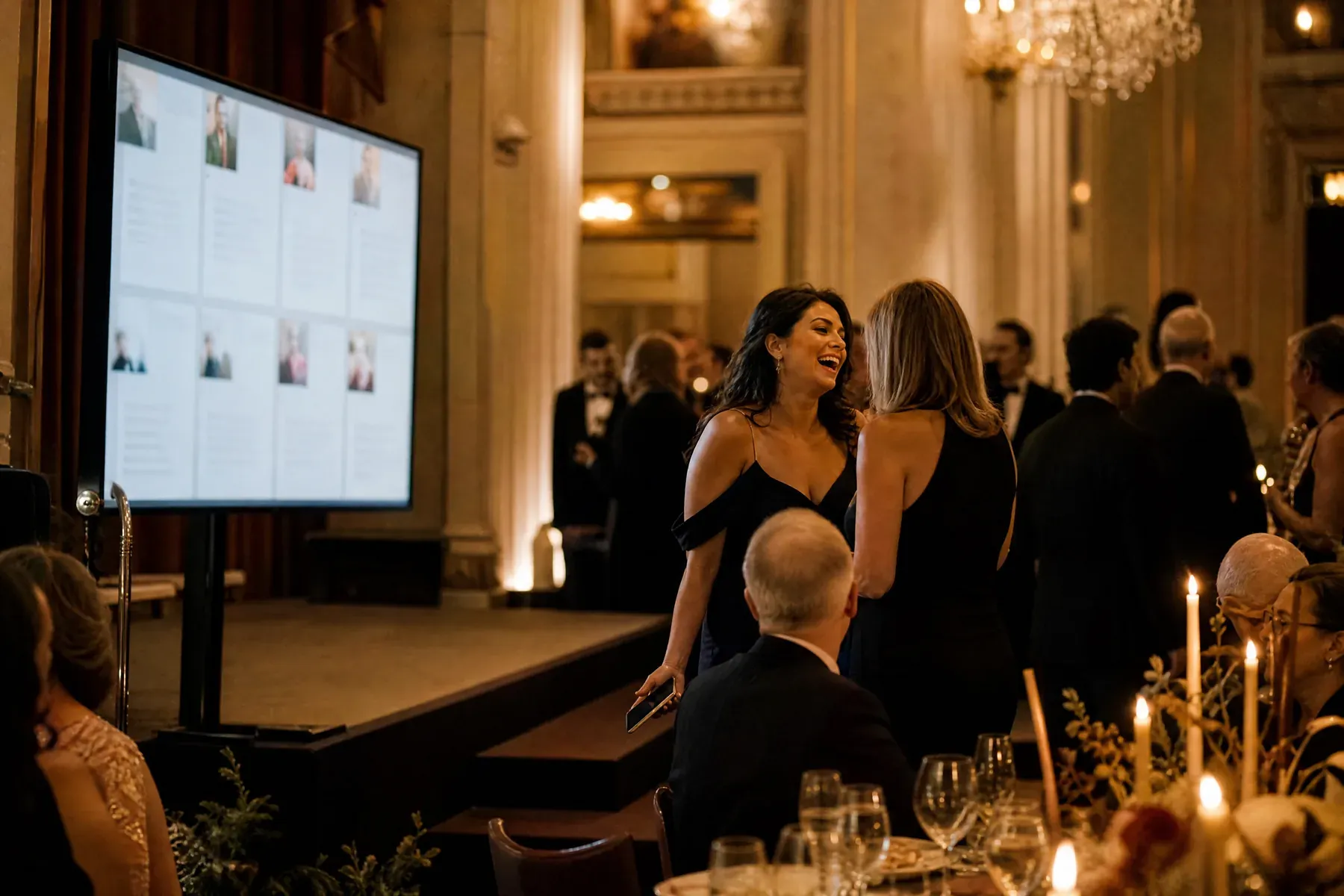
Use GuestWalls as a live social feed for your event without asking attendees to publish to a social network. They scan a QR code and post in a browser; organizers keep a moderation queue between the audience and the screen, so the display stays professional through keynotes, breaks, virtual sessions, and the evening reception. What lands on the wall belongs to the event, not to a public feed.
01
Nothing arrives from the wider internet. Posts come from people holding your event code, which is the difference between a lively screen and an incident.
02
Corporate presets start approval-first, so nothing reaches the wall before an organizer clears it.
03
Add a company logo and event palette while the layout stays clean enough for an LED wall.
What to ask for
Change the prompt between sessions and the wall keeps earning its place on the screen:
From blank wall to live event
Upload the event logo, set the palette, and choose the feed layout for high message volume.
Change the ask between sessions: predictions before the keynote, questions after, photos at the reception.
One organizer approves posts from a laptop or phone while the display runs unattended.
Questions, answered
A social wall is a live venue screen filled by audience contributions such as messages, questions, reactions, and photos. GuestWalls uses direct browser posting instead of collecting public social-media posts, so more people can contribute without publishing to their followers.
It serves the same in-room purpose, but the content comes directly from attendees rather than from Instagram, X, or LinkedIn. That removes the social-account requirement, keeps contributions inside the event, and gives the organizer a predictable moderation queue.
No, by design. Attendees post straight to your wall instead, so the screen shows your room rather than whoever else used the hashtag—and nothing your event depends on can be switched off by a social network.
The feed layout is built for high-volume rooms, and the moderation queue keeps the screen readable at any volume.
Yes. The same wall can run across sessions and days, with prompts changed between them.
Yes. Many events use approval mode to collect audience questions and surface the best ones on screen.
Yes. Share the join link beside the stream or in event chat, and remote attendees can contribute to the same moderated wall as people in the venue.
No permanent-free promise is made. You can inspect the live demo before creating an event, and the event-creation flow shows the current availability and price before you commit.
Set up in three minutes. One code, one unforgettable screen.