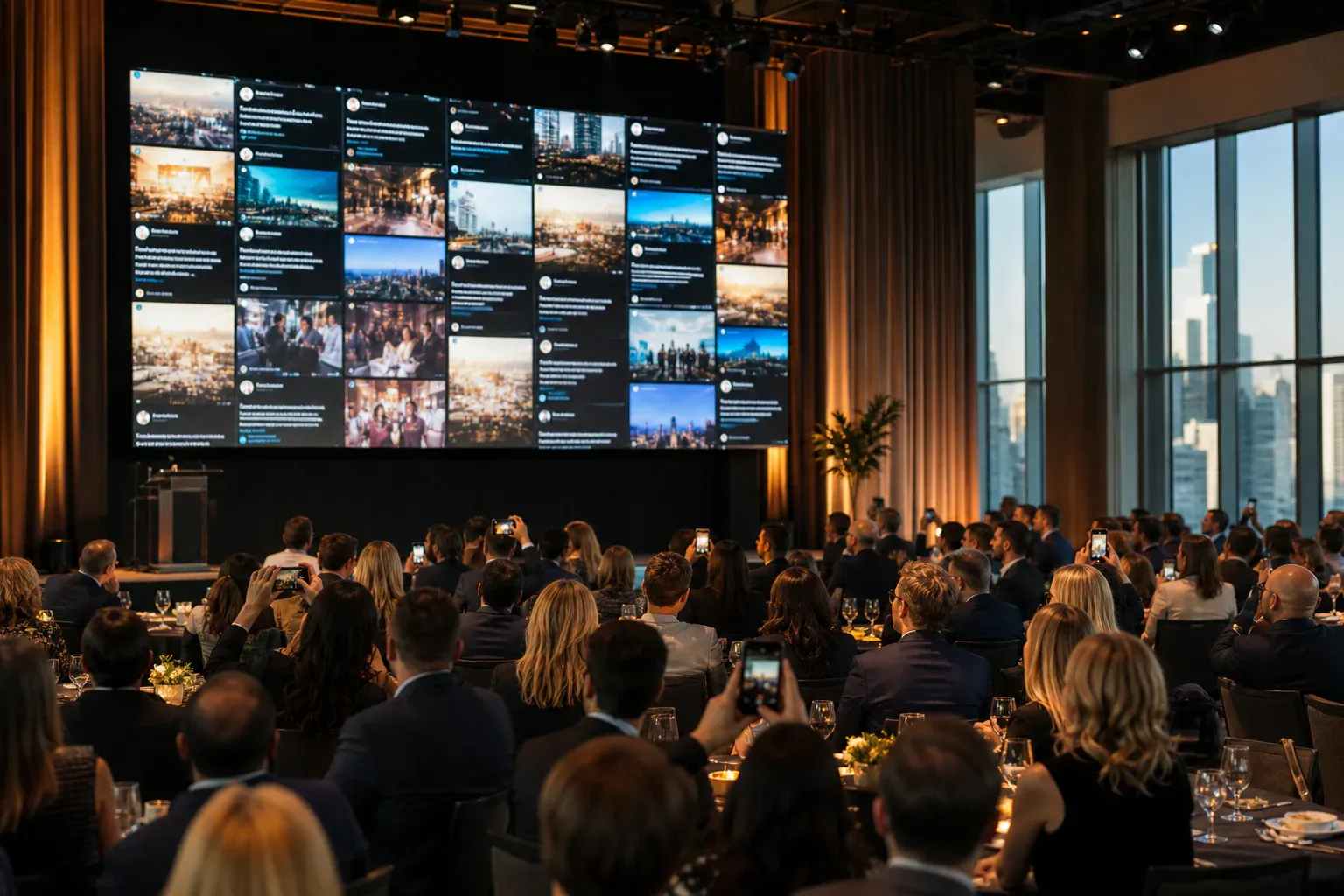
A live social media feed for events puts audience content on a shared screen as the event happens. That description sounds precise, but it can mean three different systems—and choosing the wrong one produces a wall that is either empty, risky, or solving a marketing problem your room did not have.
This guide separates the formats, shows the trade-offs, and gives you a practical setup for conferences, launches, town halls, awards nights, and virtual events.
The three kinds of live event feed
1. A public hashtag feed
The classic social wall searches public networks for posts using an event hashtag, then displays approved matches. It is strongest when public reach is the goal: campaigns, festivals, fan events, and launches where guests are already likely to post to their own followers.
Its weaknesses follow from the same design. Attendees need a social account, posts are public before they reach your screen, network APIs can limit what an aggregator sees, and an unrelated person can use the hashtag. Moderation is essential.
2. A direct attendee feed
Guests scan a QR code or enter an event code, then send a message or photo in their phone browser. The post goes to the event rather than a social profile.
This is often called a private social wall, live message wall, or event photo wall. It is strongest when participation from the people in the room matters more than public distribution. There is no app to install and no need for attendees to publish to their followers.
3. A hybrid feed
A hybrid wall accepts direct posts and imports selected public social content. It can serve a campaign that needs both in-room participation and outward reach, but it also creates the most complex moderation and rights workflow. Make sure the team understands which source each post came from and what permission exists to reuse it.
Quick comparison
| Question | Hashtag feed | Direct attendee feed | Hybrid feed |
|---|---|---|---|
| Best for | Public campaign reach | Participation inside the event | Large campaigns with both goals |
| Guest account required | Usually | No | Depends on posting route |
| Content public by default | Yes | No | Some of it |
| Strangers can reach the queue | Yes | No, if access is controlled | Potentially |
| Reliance on social APIs | High | None | High for imported posts |
| Moderation complexity | High | Moderate | Highest |
If the event brief says “generate social reach,” a hashtag feed is the honest fit. If it says “hear from the audience,” use a direct feed. The phrases sound similar, but the outcomes are not.
What works for common event types
Conferences
Use a direct feed for questions, takeaways, photographs, and session reactions. Put one prompt on screen at a time and change it between sessions. A public hashtag can run alongside it if the marketing team needs reach, but do not make public posting the only way to participate.
Product launches
Choose based on whether the audience is under embargo. Before an announcement, a direct moderated wall protects the room. After the announcement, a hashtag or hybrid feed can broaden the campaign.
Internal events and town halls
Use a private social wall with an event password and approval queue. Employees will not ask candid questions through a tool they believe might publish outward, even if the event team promises not to select those posts.
Awards and gala events
A direct photo-and-message feed usually works best. Guests can celebrate winners without posting to their personal accounts, and the host keeps control over the ballroom screen.
Virtual and hybrid events
Place the join link beside the stream and in the event chat. Remote attendees can contribute to the same wall as the room. Confirm that the wall layout remains legible when embedded or screen-shared; a design built only for a venue LED screen may not survive inside a video tile.
How to run the feed on the day
Put the screen where participation happens
The screen should be visible from the seats or the part of the venue where guests pause. A wall hidden in a foyer cannot reward someone posting from the main room, and participation drops when the feedback loop is invisible.
Give the audience one specific prompt
“Join the conversation” is not a prompt. Ask for a prediction before a keynote, one takeaway after it, a question for the panel, or a photograph of a detail other people may have missed. Our list of message wall prompts includes options by event type.
Seed the first posts
An empty wall looks broken. Add three representative posts before doors open so guests can see the expected length, tone, and kind of content. Do not fabricate praise; use practical welcome messages, schedule notes, or posts from the organising team.
Keep host controls off the public screen
Run the display in one browser and moderation in another device. Notifications, browser chrome, rejection controls, and admin names should never appear on the venue output.
Rehearse the failure modes
Test a rejected post, a deleted post, a large photograph, a rotated phone image, and a temporary loss of connectivity. Write the display URL and login details into the production notes rather than leaving them in one organiser’s inbox.
Privacy and consent questions
Before opening the wall, tell attendees where their contributions appear and whether the event may reuse them later. A public social post and a private event submission do not carry the same audience expectation.
For sensitive rooms, check all three layers of privacy:
- who can reach the posting form;
- who decides what reaches the display; and
- where the content goes after the event.
A password protects entry, moderation protects the screen, and a clear deletion policy protects the collection afterwards. You need all three when “private” is part of the brief.
The practical recommendation
Use a hashtag feed when public distribution is the outcome. Use a direct event feed when inclusive participation, moderation, and privacy matter most. Use a hybrid only when the campaign genuinely has both goals and the production team can staff the additional complexity.
For a deeper product checklist, read how to choose a social wall for your event. If you already know you want the room-first option, the live social wall for events and conferences page shows the setup and display model.