01
Friction stays low
A QR code opens the upload flow directly. Guests do not need to search an app store, register, or remember a password.
Messages and photos
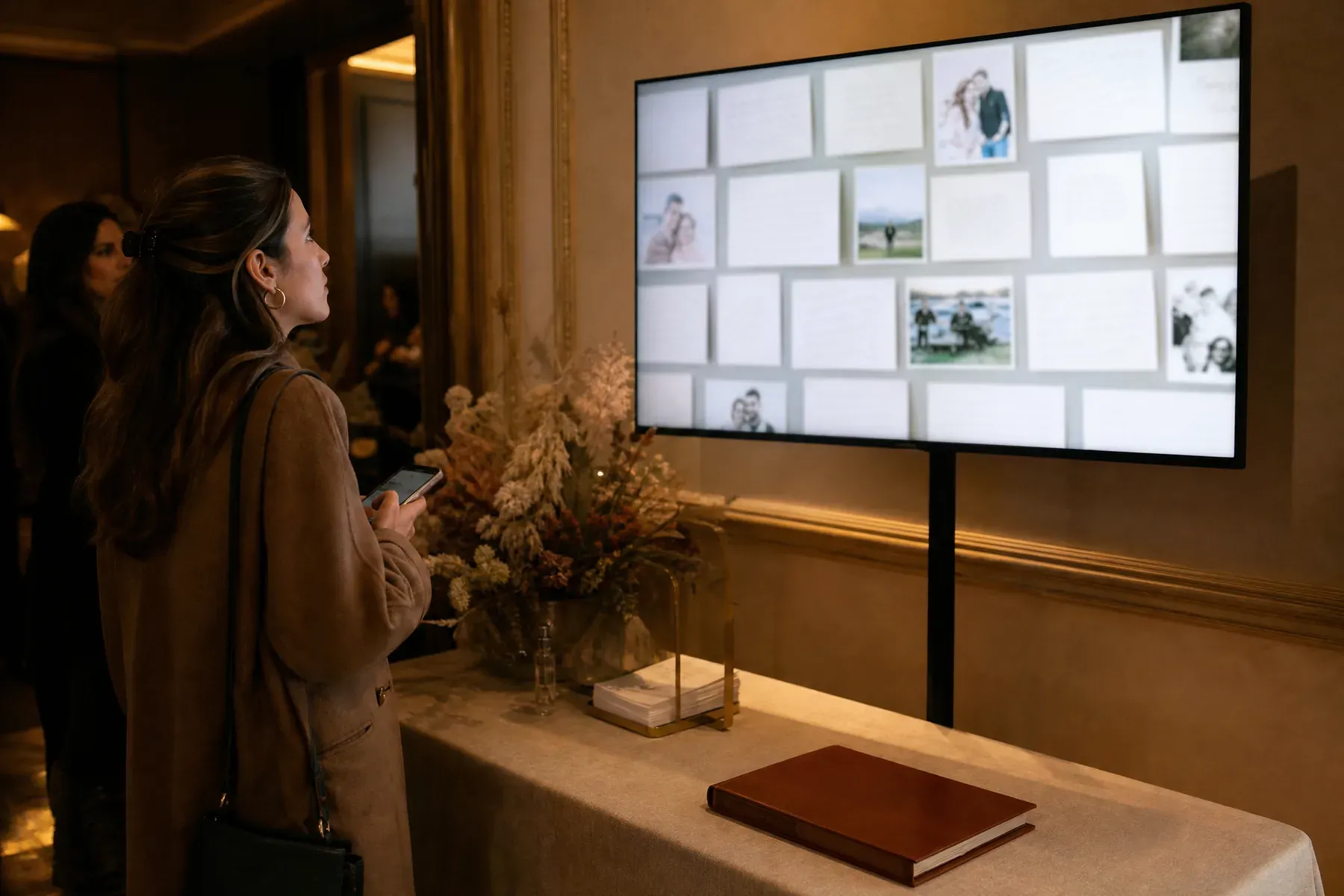
Bring guest photographs out of private camera rolls and onto a shared venue screen while the event is still happening.
Why GuestWalls
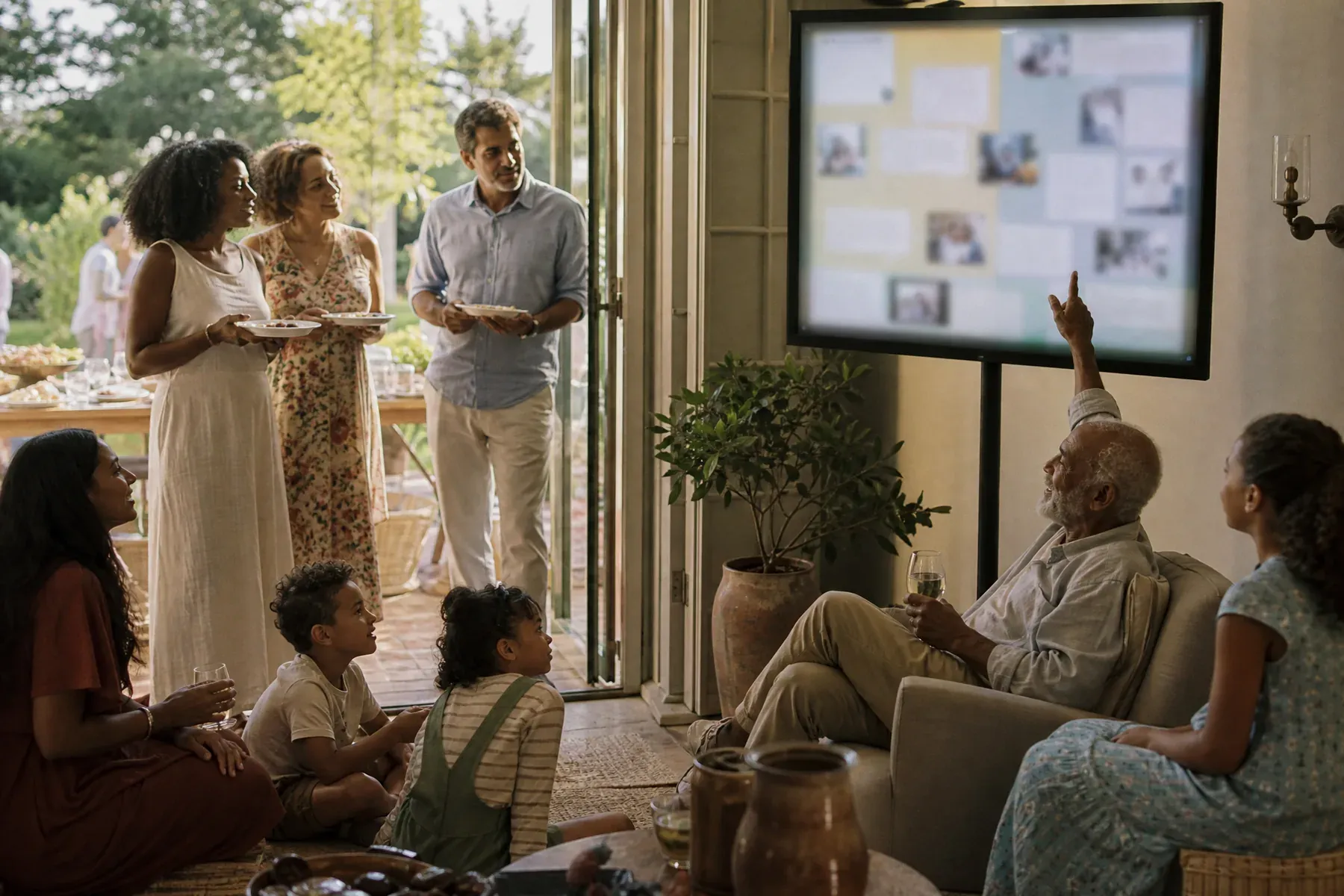
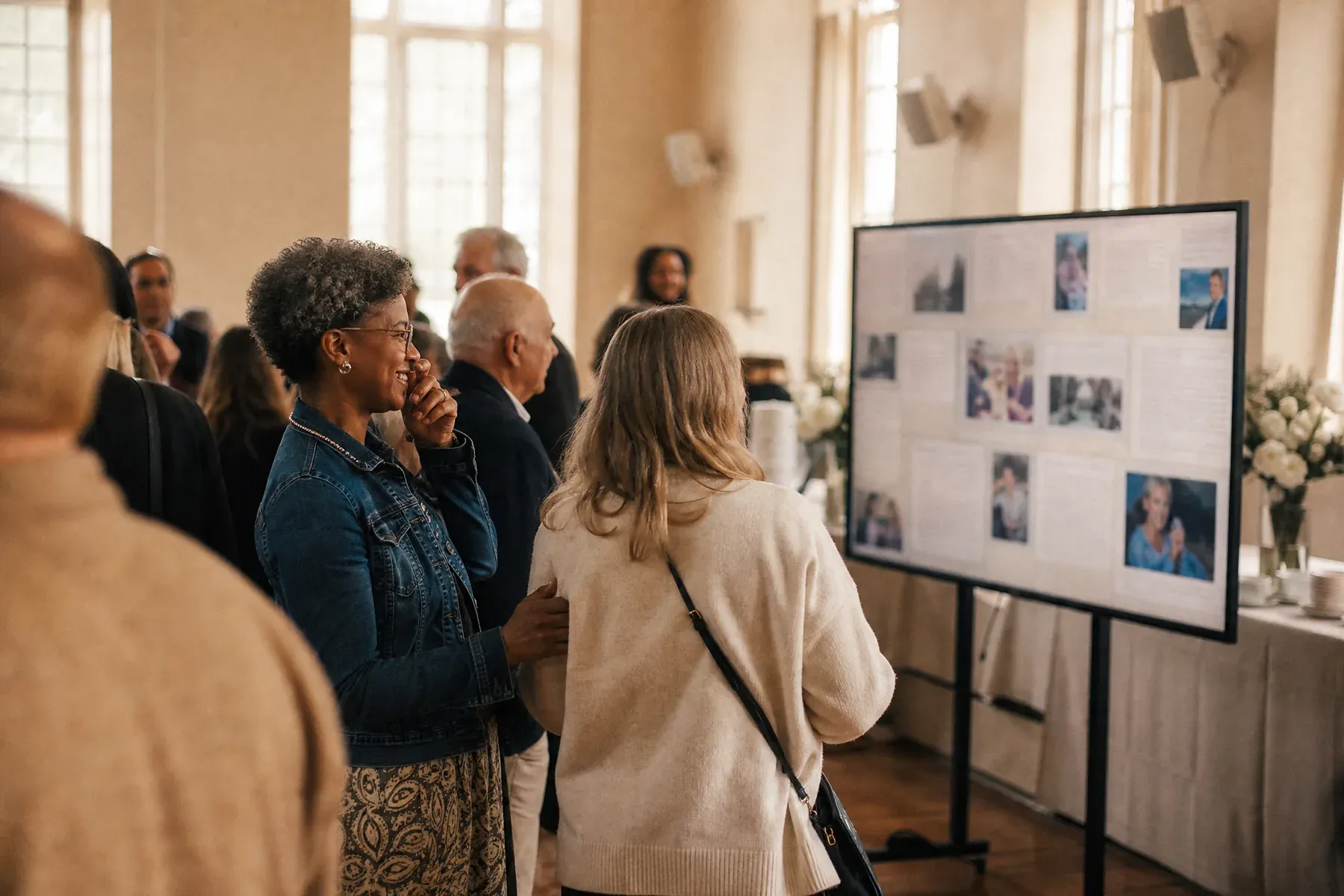
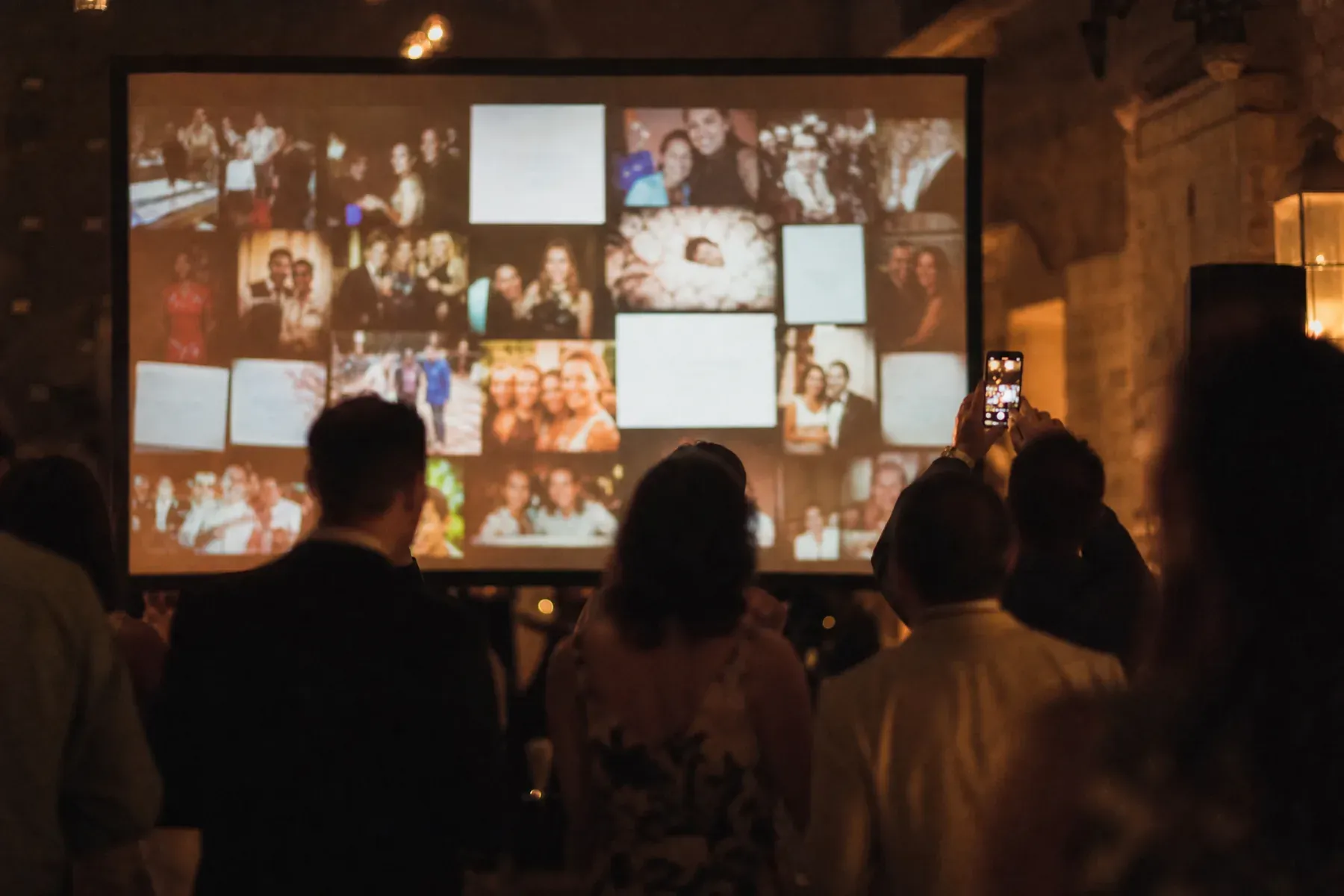
GuestWalls combines photographs and messages in one display rather than treating images as a disconnected slideshow. Guests use their normal browser, hosts keep control of what appears, and the visual treatment stays secondary to the people and their posts.
01
A QR code opens the upload flow directly. Guests do not need to search an app store, register, or remember a password.
02
Purpose-built layouts, subtle depth, and restrained transitions keep the display elegant instead of overwhelming the content.
03
Review incoming photographs before display at public or brand-sensitive events, or publish instantly in a trusted room.
What to ask for
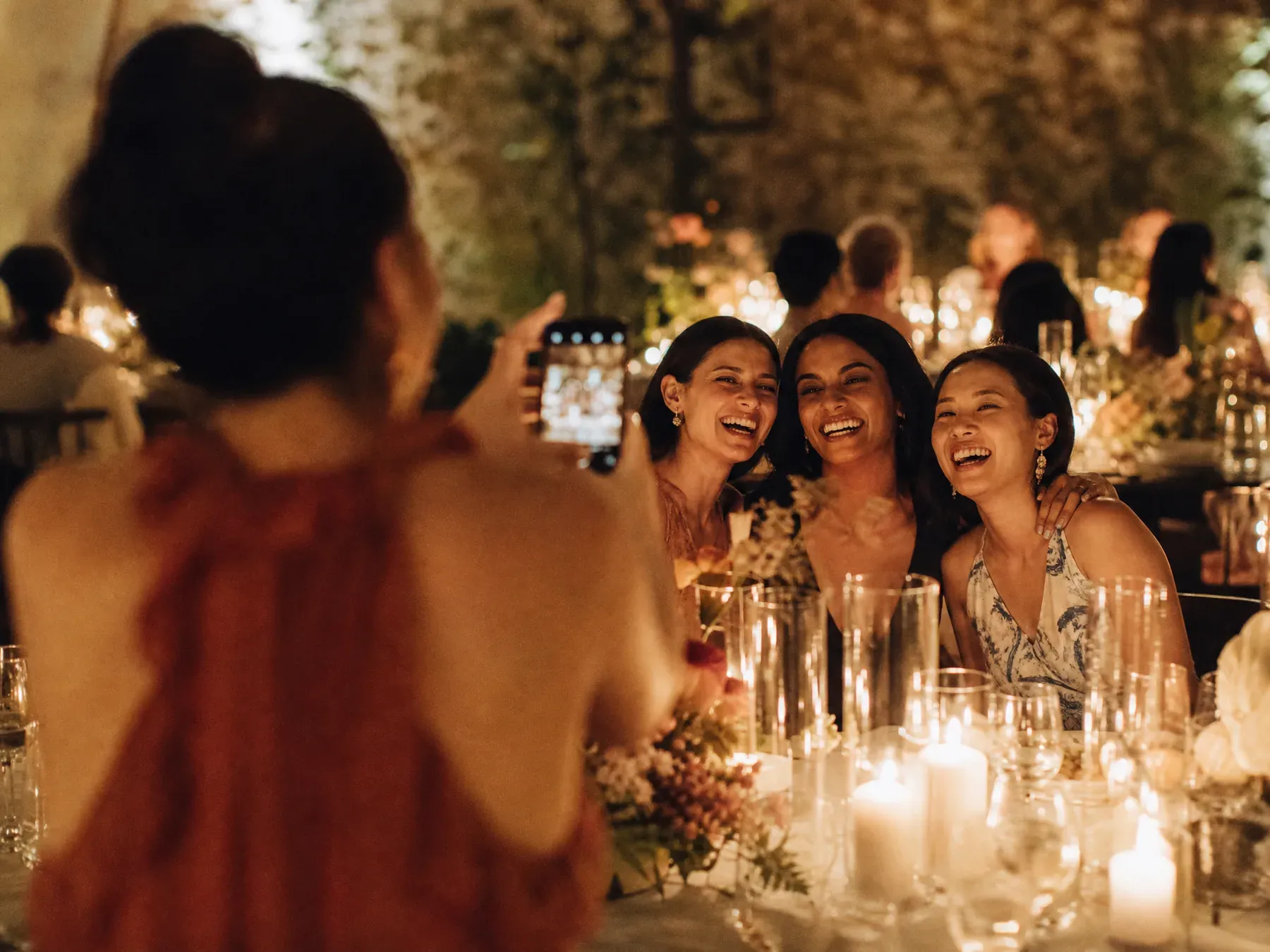
Photo walls fill faster when you ask for a specific picture rather than "your photos":
From blank wall to live event
Choose an event type and a display style that suits the venue and the size of the screen.
Place one clear call to action near the screen, at tables, or inside the event program.
As guests contribute, the wall becomes an evolving view of the event from across the room.
Questions, answered
No. Guests upload through a mobile web page opened from a QR code, event code, or link.
Yes. Hosts can review photographs and messages before publishing them to the public screen.
Yes. GuestWalls is designed as a combined message and photo wall so both kinds of contribution feel part of one event story.
Any venue television, projector, or large monitor connected to a web browser can run the display.
Set up in three minutes. One code, one unforgettable screen.