01
Something to do that is not small talk
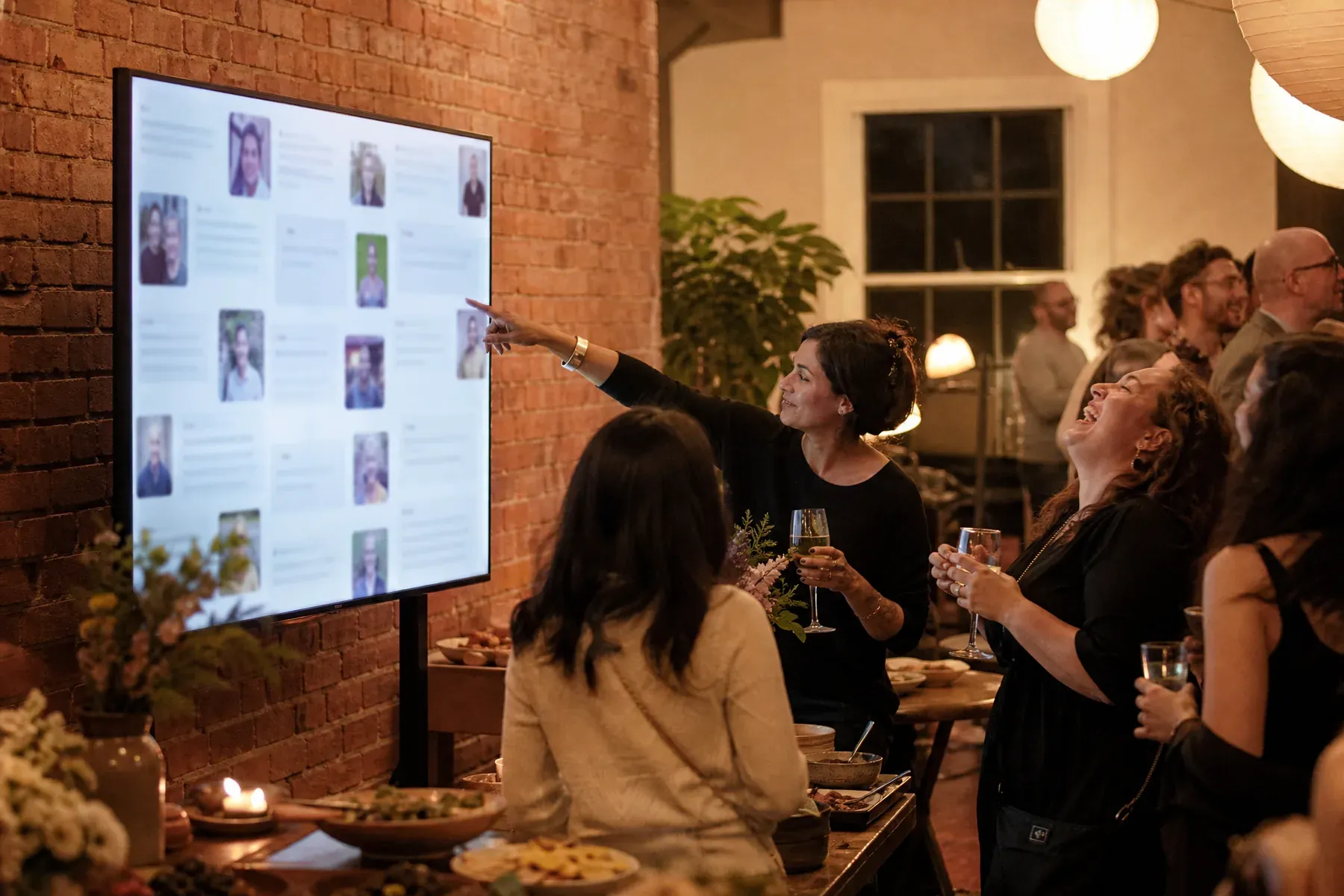
A wall gives people from unfamiliar teams a shared reference point within the first ten minutes.
For holiday parties
The company holiday party is the one night the whole organisation is in the same room. A live wall turns that into a shared account of the year rather than another set of speeches nobody can hear over the bar.
Why GuestWalls
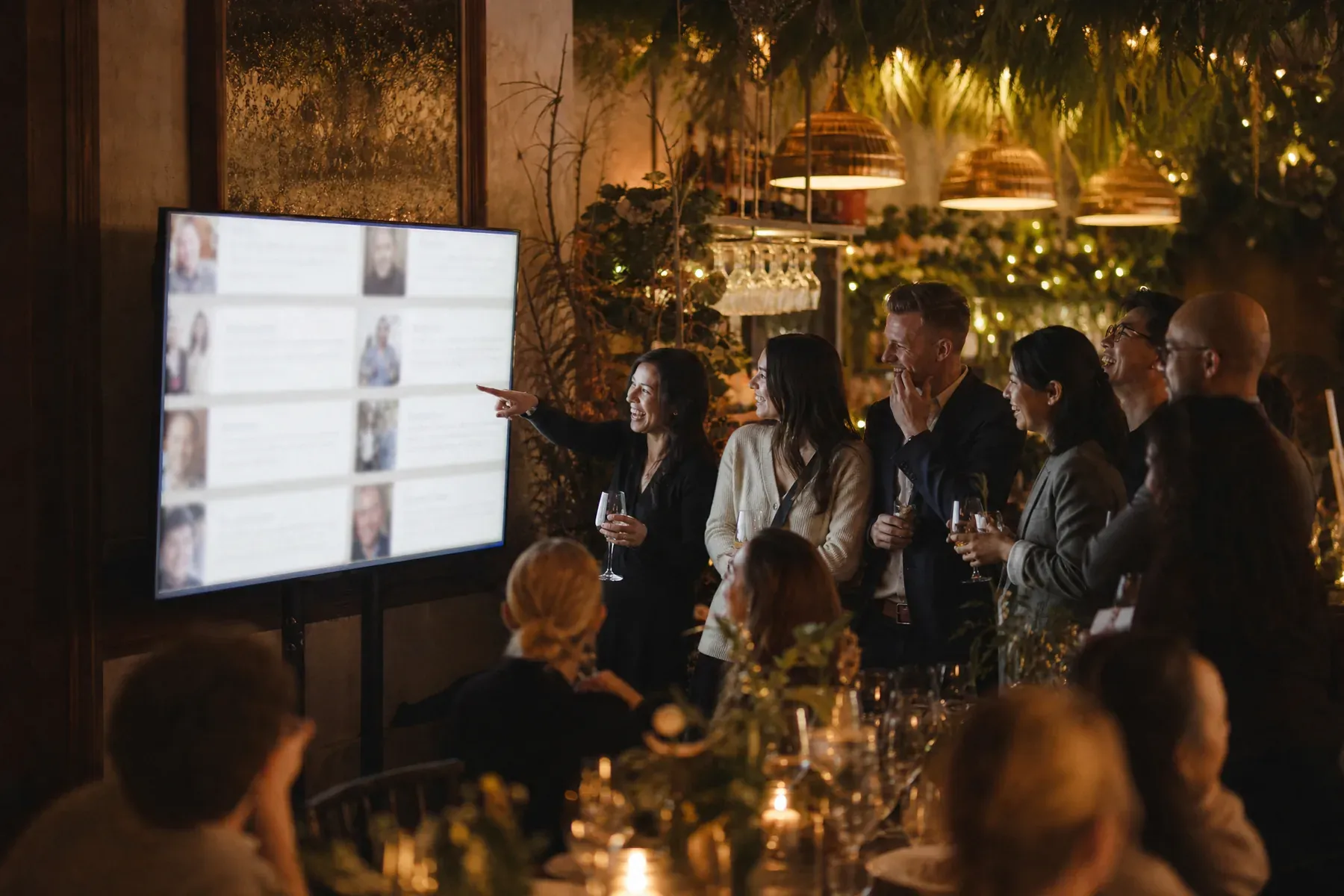
Staff post the highlight, the photo from the site visit, and the thanks they never got around to sending. Approval mode keeps the screen appropriate as the evening goes on, and the wall gives a mixed room of departments something to gather around that is not the queue for drinks.
01
A wall gives people from unfamiliar teams a shared reference point within the first ten minutes.
02
Approval mode means the screen at eleven o'clock looks like the screen at seven.
03
The wall collects the highlights from the people who were actually there, ready to reuse in the new-year all-hands.

What to ask for
Prompts that work in a room of mixed teams and mixed sobriety:
From blank wall to live event
Share the link with teams a week ahead so photos from across the year arrive before the first drink.
Highlights early, thanks over dinner, photos of the dance floor at the end.
One person on a phone is enough to keep an open room's screen presentable all night.
Questions, answered
Yes. Approval mode holds posts in a queue until a moderator publishes them, which is the setting most companies use after dinner.
Yes. Choose a clean preset and apply your event colors and typography, plus a logo on the display.
No. Guests post from a phone browser using the event link, QR code, or short code, with no account of any kind.
Yes. The complete wall can be replayed as a presentation, which makes it a ready-made year in review.
Set up in three minutes. One code, one unforgettable screen.