01
On-brand by default
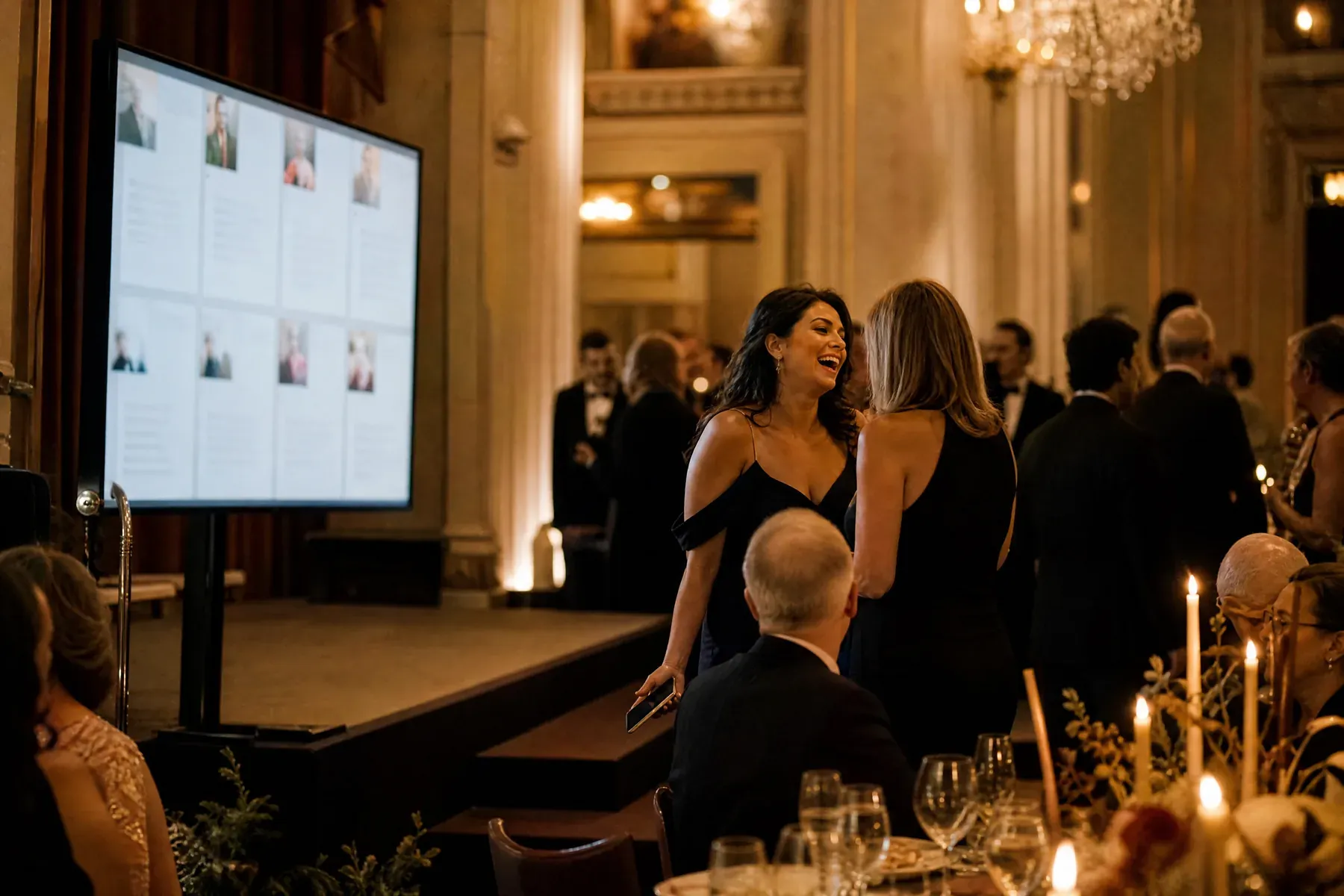
Use a clean corporate preset, then apply your event colors and typography with a small set of controlled options.
For company events
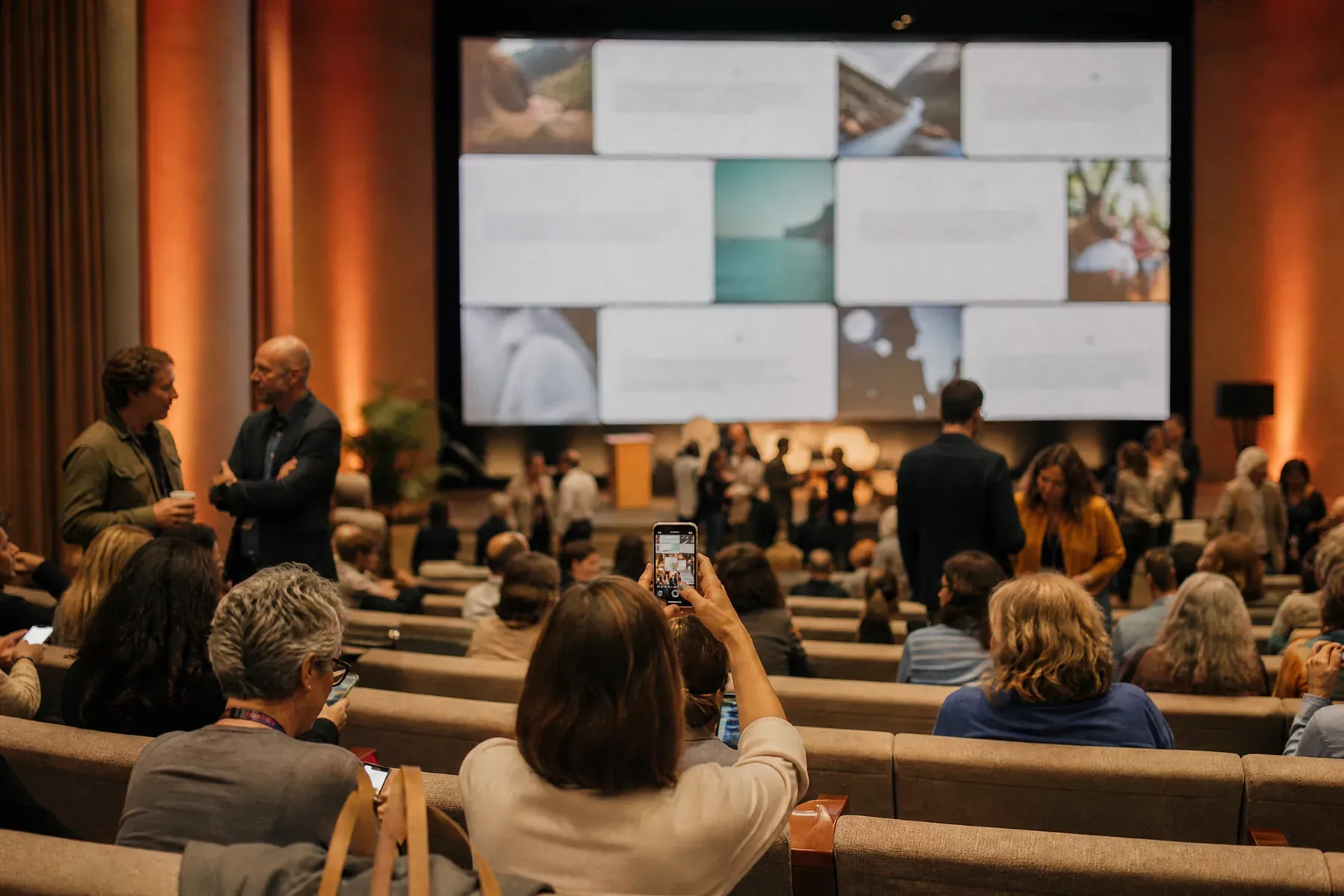
Turn an audience from passive spectators into visible participants without sending them through an account flow or asking them to install another event app.
Why GuestWalls
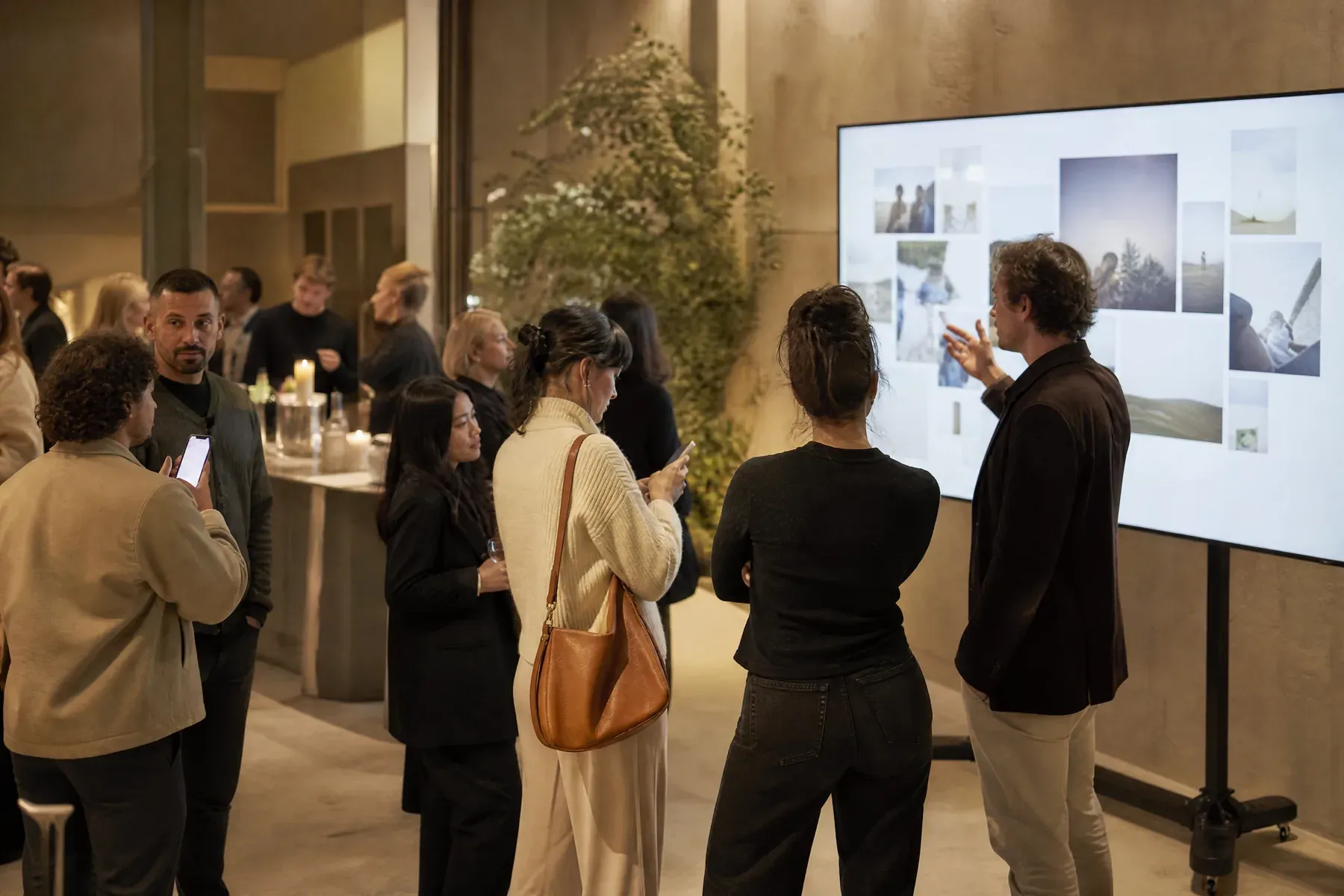
GuestWalls gives producers a brand-conscious display, fast browser-based posting, and optional approval before anything reaches the main screen. It works for questions, reactions, congratulations, launch-night photographs, and the messages people want to share after the keynote.
01
Use a clean corporate preset, then apply your event colors and typography with a small set of controlled options.
02
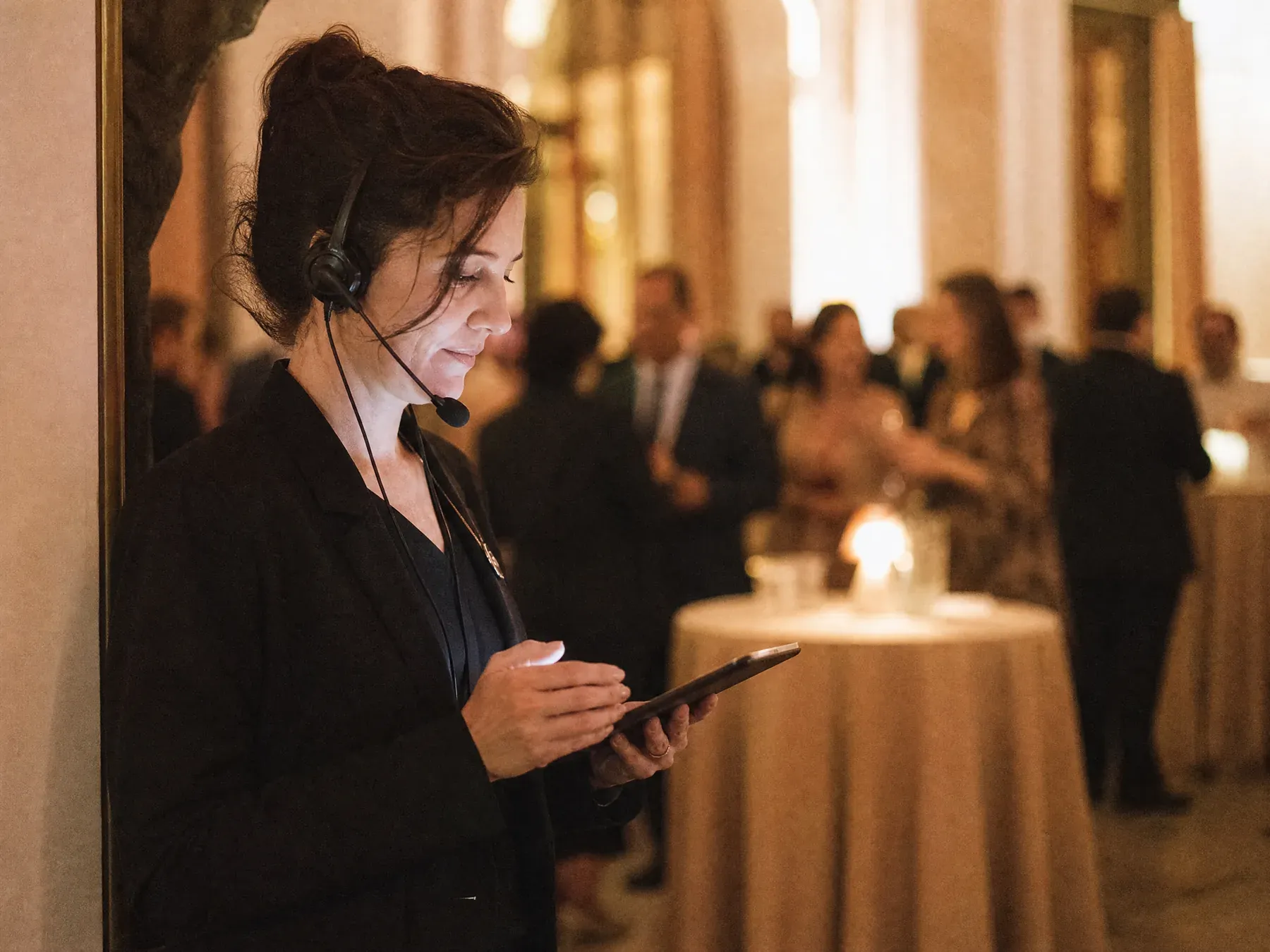
Keep a review queue open on the host device while the public display stays polished and uninterrupted.
03
A QR code opens the composer directly. There is no guest profile or download, and a room password appears only when the host enables one.
What to ask for
Corporate rooms need a narrower ask than social ones. Pick one per segment:
From blank wall to live event
Name the wall, choose the visual preset, and decide whether every post should be reviewed.
Invite reactions, predictions, photographs, or questions so attendees know exactly what belongs on the wall.
Open the distraction-free display on the venue system and manage incoming posts separately from the host dashboard.
Questions, answered
Yes. Approval mode keeps new posts in a host queue until a moderator publishes them.
The display supports event presets plus simple color and typography overrides, so it can feel aligned without becoming a design project.
No. Attendees can post from a browser using the event link or QR code.
Yes. Launches, conferences, awards nights, internal celebrations, and town halls all suit a live message and photo wall.
Set up in three minutes. One code, one unforgettable screen.