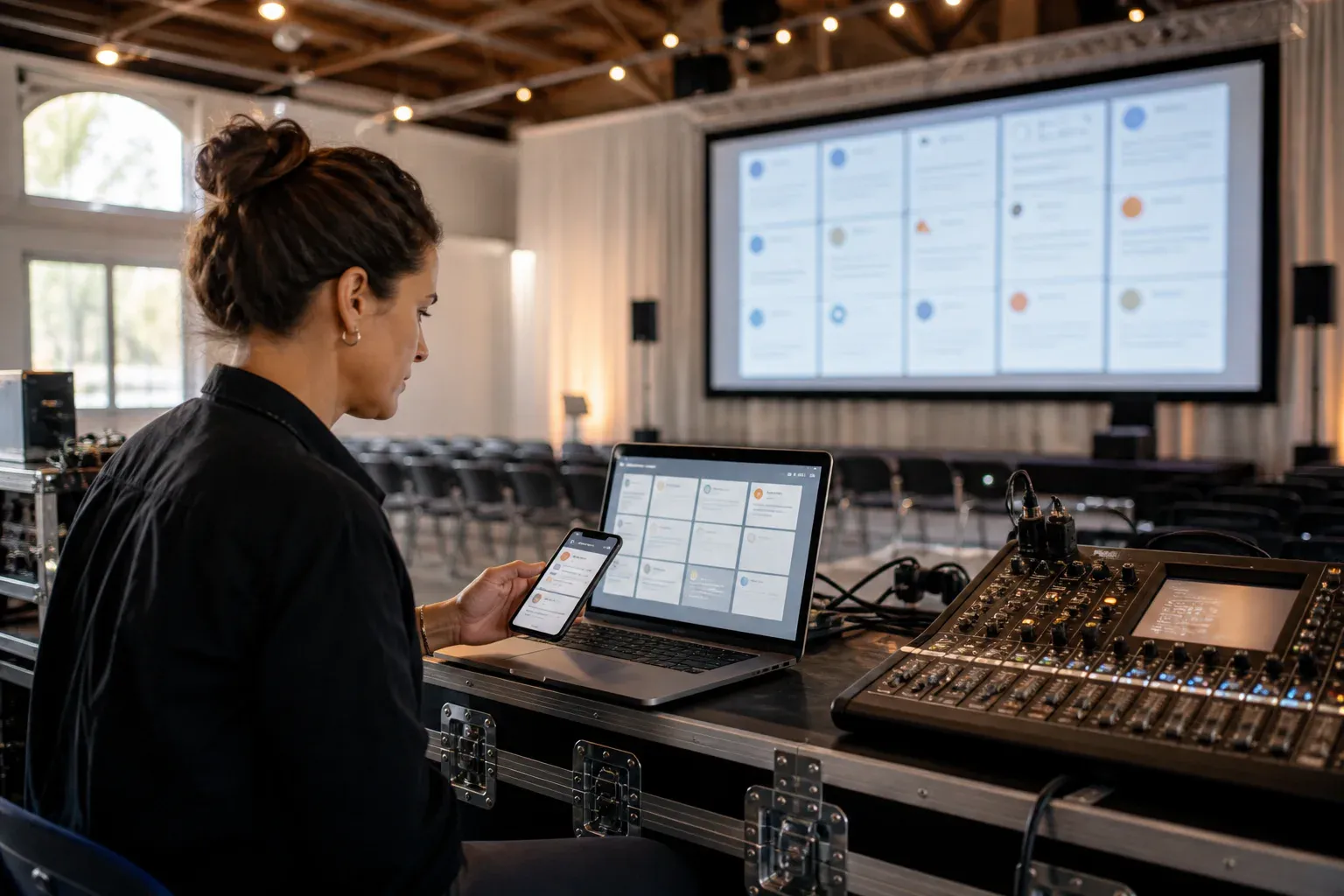
If you are searching for a free social wall for events, the useful question is not simply whether the create button costs nothing. It is whether the wall will still do its job when the room is full, the screen is live, and a guest posts something you need to remove quickly.
Free event tools can be entirely sensible for a small, low-risk gathering. They can also hide limits that only become visible after you have printed the QR code. This checklist helps you tell the difference before your event depends on the answer.
First, decide what you mean by a social wall
The name covers two different products:
- A social-media aggregator collects public posts from networks such as Instagram or X, usually by watching a hashtag.
- A direct-posting event wall lets attendees send messages and photos straight to the event from a browser. Nothing needs to be published on a social network first.
The first format is built for public reach. The second is built for participation inside the room. If your priority is audience-generated marketing, start with aggregation. If your priority is getting more people at the event to contribute, a direct event social wall usually removes more friction and gives the organiser more control.
The four versions of “free”
A free social wall usually fits one of four models. None is automatically bad, but they create different risks.
A time-limited trial
You can test every feature, but the trial may expire before the event or impose a short display window. Confirm whether the clock begins when you register, when you create the wall, or when the first post arrives.
A limited free tier
The wall stays available but caps posts, guests, photos, moderators, display time, or storage. A cap of 25 posts sounds generous in an empty demo and disappears quickly in a room of 150 people.
A branded or watermarked wall
The provider logo may be acceptable at a birthday and unacceptable beside a sponsor wall or on a wedding screen. Open the full-screen display during testing; branding often appears there rather than in the editor.
A self-hosted or open-source wall
There may be no licence cost, but someone owns deployment, updates, image storage, abuse prevention, and the venue-night failure. This can be the right answer for a technical team with time to test it. It is rarely the no-effort answer.
Seven checks to run before choosing
1. How do guests post?
Ask a colleague who has not seen the tool to join on their own phone. Count the steps between scanning the code and sending a message. An app-store visit, account creation, email verification, or social login will reduce participation.
2. Can every post be approved first?
For conferences, schools, public celebrations, and brand-sensitive events, pre-moderation is not optional. Check that a moderator can approve, reject, and remove posts from a separate device while the public screen continues to run.
3. What happens at the limit?
Do not settle for “up to 100 posts.” Find out whether post 101 is rejected, hidden, queued, or charged. Check photo-size and storage limits separately; photographs consume allowances much faster than text.
4. Is the public display actually usable?
Put the wall on the screen you intend to use. Look at it from the back of the room. Messages should remain readable, photographs should crop well, and transitions should support the content instead of making the display exhausting.
5. What is public?
With a hashtag aggregator, the original posts are public by definition. With a direct wall, ask whether the event has an optional password, whether pages are indexed, and when uploaded content is deleted. Our private social wall guide explains the three separate layers people often collapse into the word “private.”
6. Can you remove the provider’s branding?
Test the actual display, QR screen, and guest posting page. If the free version includes a logo or sales message, decide whether that is acceptable before the screen is included in photography or a sponsor package.
7. What support exists on the day?
Free products usually come with self-service support. That can be fine when the wall is a nice extra. If it is part of a keynote, awards show, memorial, or paid production brief, decide who diagnoses the issue if the display stops updating.
When a free social wall is enough
A limited tool can be a sound choice when:
- the event is small and informal;
- the wall is optional rather than central to the run of show;
- you expect few photographs or posts;
- visible provider branding is acceptable;
- the content is not sensitive; and
- someone can test the complete setup in the venue.
The mistake is not choosing free. The mistake is discovering during the event that “free” excluded moderation, removed the wall after an hour, or stopped at the number of posts your audience reached before dinner.
When reliability matters more than price
Move beyond a free tier when the screen is part of a client deliverable, the wall carries sensitive internal contributions, a sponsor expects a branded environment, or the moment cannot be repeated. In those cases, predictable limits and a rehearsed moderation workflow are part of event production rather than optional software features.
Whatever product you choose, run a venue test with ten sample posts, two photos, a rejection, a deletion, and a temporary network interruption. That fifteen-minute rehearsal tells you more than a feature comparison page.
A note about GuestWalls and pricing
GuestWalls is a direct-posting message and photo wall, not a public social-media aggregator. Guests join from a browser, hosts can moderate before display, and nothing needs to be posted publicly. We do not describe it as a permanently free product: availability and any price shown in the event-creation flow are the current terms.
If that model fits your event, start with the social wall for events overview or read the full nine-point buyer’s guide before deciding.