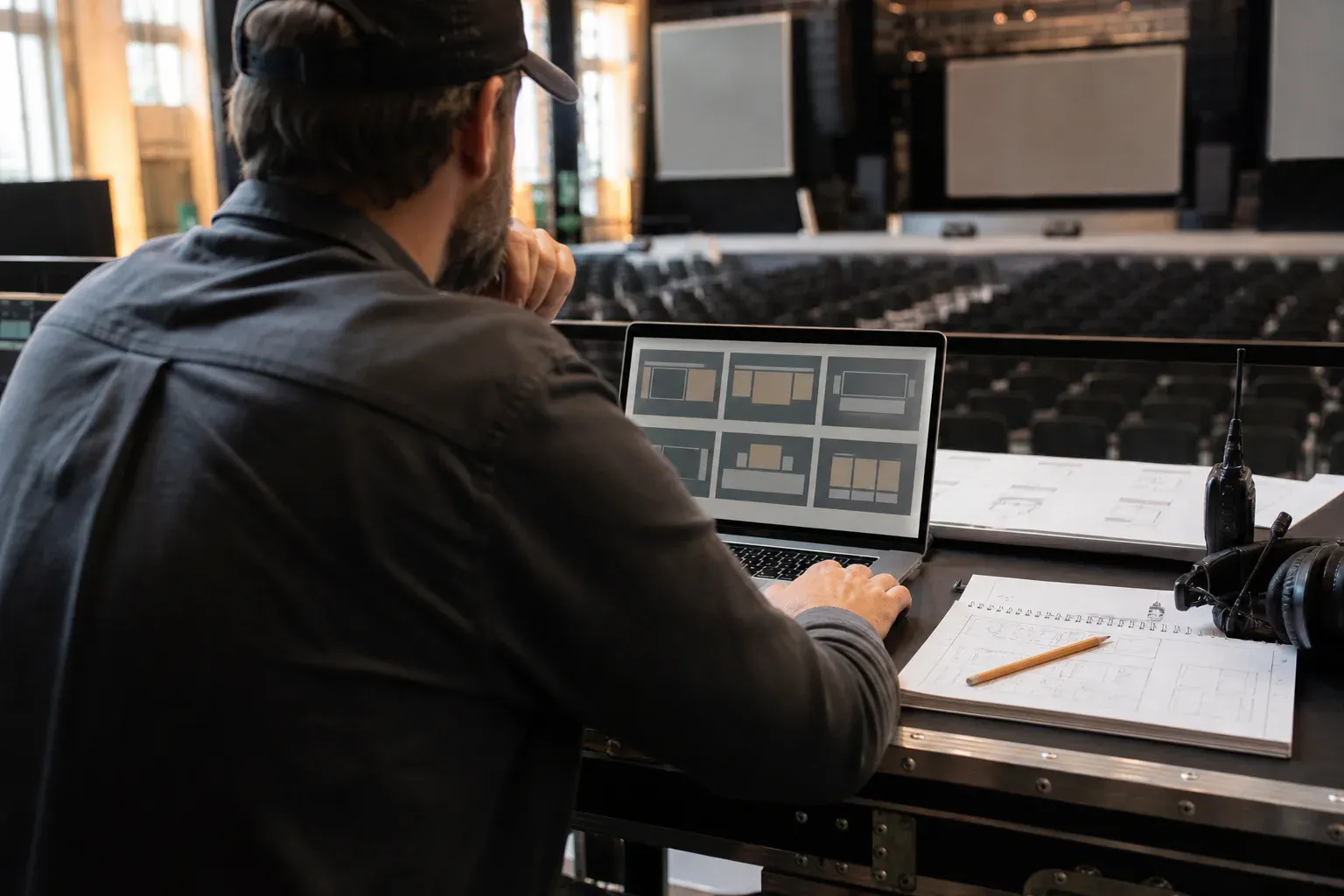
A social wall is a screen at your event showing messages and photos from the people in the room. The category covers wildly different products, several of which will be a bad fit for your event in ways that are not obvious from the marketing page.
This is the list of questions worth answering before you commit — written from the production side rather than the sales side. We build one of these, so read the whole thing with that in mind; it is also why the failure modes are specific.
1. Where does the content come from?
The first fork, and it determines most of the others.
Aggregating walls show posts people publish to social media under your event’s hashtag. You get reach beyond the room, and you also get whatever else the internet posts under that tag. Anyone with a private account or no interest in posting publicly is excluded.
Direct-posting walls show messages sent straight to your event from a link or code. Only your room can contribute, everybody in it can, and nothing is published outside.
Neither is better in the abstract. If your brief is measured in impressions, aggregation is doing a job the closed version cannot. If the brief is participation from the room, direct posting wins on every axis that matters. There is a fuller comparison here.
2. Can you hold posts before they appear?
Ask specifically: can every post be held in a queue until a human releases it, and can that be switched on before the event rather than mid-panic?
Then ask the follow-ups that catch people out. Can more than one person moderate, so the job survives a coffee break? Can the moderator see the photograph at full size before approving, or only a thumbnail? Can a post be pulled down after it has gone up?
That last one matters more than it sounds. Something will get approved that should not have been, and the gap between “one tap to remove” and “email support” is the difference between a five-second wobble and a story people tell afterwards.
3. What happens to the content afterwards?
Get a real answer with a number in it. How long is the wall available to you? When is it deleted? Can you delete it yourself, immediately, without asking anyone?
For internal events, medical or legal conferences, school events, or anything involving minors, this is the question your organisation will actually block on. A vendor who cannot answer it in a sentence is a vendor who will cost you three weeks of review.
It is also worth knowing whether you keep anything. Some walls are a window that closes when the event ends; others leave you with a collection you can replay. If you are running an awards night or a milestone, that difference is the whole point.
4. Does it look good at four metres?
Almost every social wall is demoed in a browser window on a laptop. You are going to run it on a projector in a dim room, or on an LED wall, viewed from twenty metres by people with drinks in their hands.
Things that look fine on a laptop and fall apart in a venue: light grey text on white, dense multi-column grids, tiny author names, animation that redraws the whole screen every four seconds, and any layout with a vendor’s logo permanently occupying a corner.
Ask for a full-screen view and stand back from the monitor. If you can read it from across your office, it will read from the back of the room.
5. What does it do when something breaks?
Every event has a network problem. The useful question is what the wall does about it.
Attendees posting over their own mobile connections is a meaningfully more robust arrangement than everything routing through a strained guest network, because it means a bad venue Wi-Fi day affects one machine — the one driving the display — rather than participation itself. Ask what the display does when it briefly loses connection: freeze on the last frame and recover quietly, or throw an error page onto a four-metre screen.
Test it in the actual room during setup, not from the office. And have a plan for the screen showing nothing, because occasionally it will.
6. How much friction is there for a guest?
Count the taps between a person seeing the code and their message being on the screen. Every step loses people, and the losses are not evenly distributed — they fall hardest on exactly the attendees you most wanted to hear from.
Things that cost you participation, roughly in order of severity: requiring an app download, requiring an account, requiring an email address, requiring a platform login, and requiring anything to be typed that could have been scanned.
The realistic target is: scan, type, post, done — in a normal phone browser, with no sign-up. Anything longer and the wall works only for the people who were already going to participate.
7. Whose brand is on your screen?
Check what the display looks like on the plan you would actually be on. Watermarks, vendor logos, and “powered by” badges are common on entry tiers and they sit on your screen for the entire event, in front of everyone you invited.
Ask whether you can add your own logo, set your own colours, and remove anything that is not yours. For an internal event nobody minds much. For a client-facing gala it is the difference between a considered production and an obviously cheap one.
8. What does a free social wall actually cost you?
This is worth its own section, because “free” is the most common search and the most misleading answer.
Free social wall tiers are real and some of them are fine. But the constraint is never nothing, and it is always something you discover on the night rather than during evaluation. The usual ones:
- A post cap. The wall accepts fifty or a hundred posts and then quietly stops. This is the worst possible failure because it triggers at the moment your event is going well.
- A watermark or vendor logo on the display, permanently, in front of your audience.
- No moderation on the free tier. Approval is very often the first thing behind the upgrade, which means the free option is precisely the one you cannot safely use in a sensitive room.
- A time limit measured from first post, which is generous until your event runs long.
- Aggregation only. Many free walls are hashtag walls, so the free option carries the open-input risk by default.
- Indefinite retention. If nobody is charging you, ask what happens to the content. “Free” and “deleted on a schedule you control” do not often appear together.
- No support at 6pm on a Friday, which is when events happen.
None of that makes free tools a bad idea. Testing on one is sensible. But the question to carry into the decision is not what does this cost — it is what breaks, in front of my audience, and what happens then. A wall that stops accepting posts thirty minutes into a two-hour event has cost you the event, whatever the invoice said.
Work out the failure mode first. Then compare.
9. Does it fit the room you are actually in?
The last one is the least technical and the most often skipped. A wall built for a festival crowd will feel loud and wrong at a memorial. A wall built for weddings will look flimsy behind a keynote. A wall with no moderation is unusable at a school event.
Look at the presets and ask honestly whether any of them belong in your room. If you would not put the demo on your own screen, no amount of colour adjustment will fix it.
The shortlist, in order
If you only have time for four questions:
- Can anyone outside my event put something on my screen?
- Can I hold every post until someone approves it?
- What is on the screen that is not mine, and when is the content deleted?
- What happens when it breaks, or hits a limit, halfway through the event?
Everything else is preference. Those four are the ones that turn into a story you tell afterwards, and which story it is gets decided before you book anything.
Then do the boring part
Whatever you choose, the wall itself is maybe a third of the outcome. The rest is where you put the code and what you ask people. A perfectly chosen wall with the code on one sign by the entrance and a prompt reading “share your thoughts” will sit empty all evening, and you will conclude the tool was wrong.
It was not the tool. Get the placement and the prompt right and a mediocre wall outperforms an excellent one. Get all three right and you will spend the evening watching people read a screen instead of their phones.