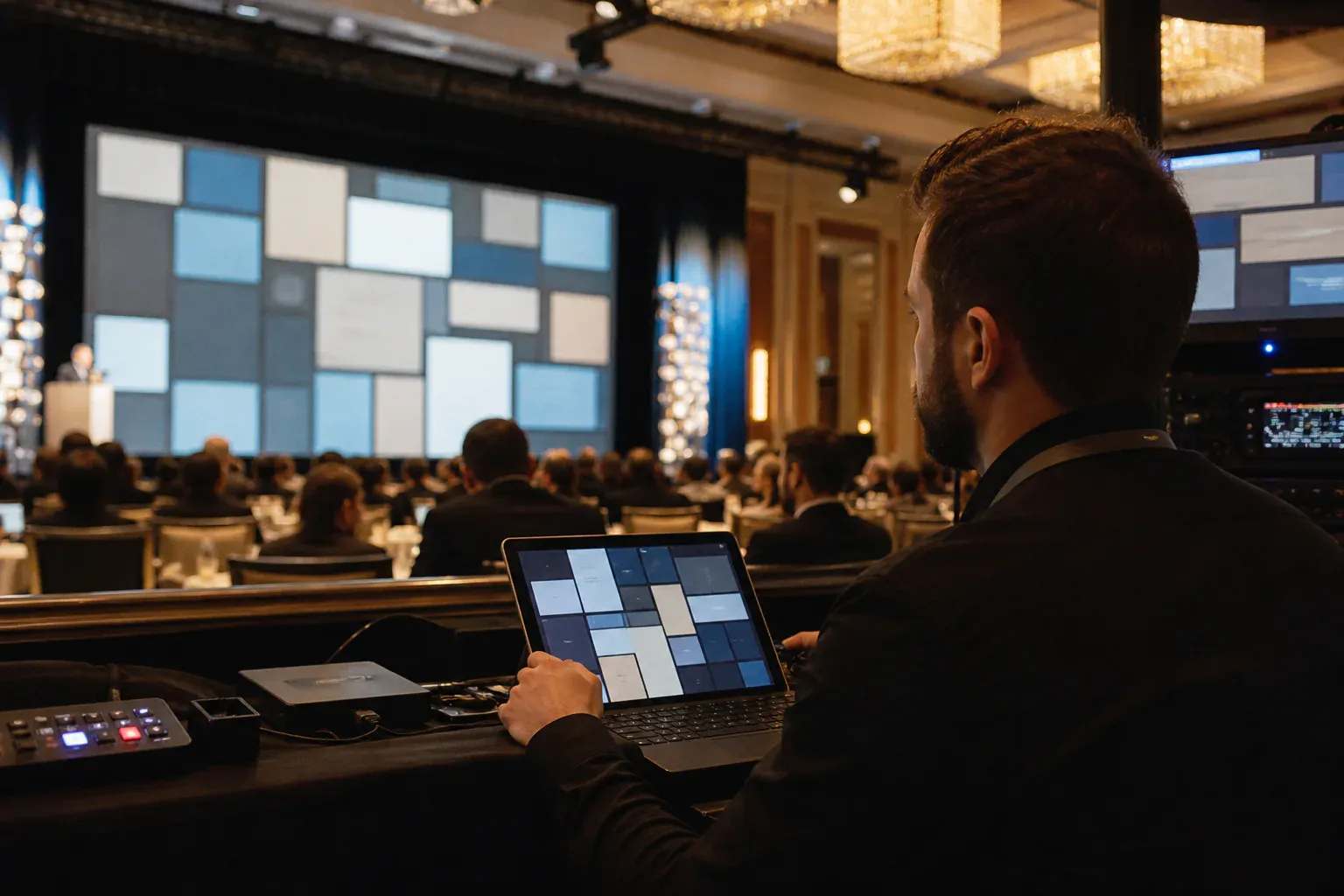
A live message wall can make a large room feel connected. It can also become visual noise if the screen moves too quickly, the audience does not know what to submit, or the moderation workflow has not been tested. The difference is usually preparation rather than more technology.
This guide covers the decisions an event producer should make before opening the wall to the audience.
Decide what the wall is for
Choose one primary job for each part of the event. At a conference, the wall might collect predictions before a keynote, questions during a panel, and reactions after an announcement. At a launch, it might combine photographs with first impressions. At an internal celebration, it could surface recognition from across the company.
Write the prompt as an action: “Share the idea you are taking back to your team” is clearer than “Join the conversation.” If you want photographs, say what kind. If answers need to be short, give a word or character limit in the prompt.
Separate the public display from host controls
The venue screen should show only the presentation view. Keep moderation, settings, and browser tabs on a separate host device. This prevents accidental control panels or notifications from reaching the audience and lets a moderator work without interrupting the display.
If the venue uses a switcher or presentation computer, confirm who controls the input and how quickly they can return to slides. Treat the wall as one source in the event system, not as a replacement for the running order.
Test the screen from the back row
What looks generous on a laptop can become tiny on a projector. Test the real screen if possible, or match its aspect ratio and resolution before the event. Check the smallest message text, the join code, and the contrast of photographs with overlaid text.
Keep important information inside a safe area. Venue projectors are sometimes cropped, and television settings can overscan the edge of a browser window. A join code pressed into the top corner may look aligned on a monitor but disappear in the room.
Choose a moderation model
Use pre-approval when the audience is large, public, young, or brand-sensitive. A moderator should be able to read a post, inspect its photograph, and publish or reject it without leaving the queue. For trusted teams or private family events, immediate posting can make the wall feel more spontaneous. Rooms where the content should not travel at all need a wall that is closed as well as moderated.
Moderation is also an editorial tool. Even appropriate posts may be duplicates, unreadable photographs, or answers to an earlier prompt. A light review keeps the public screen coherent.
Assign responsibility to a named person. “The events team will keep an eye on it” is not a workflow. Decide who watches the queue, who has final judgment, and what happens while that person takes a break.
Seed the first few posts
An empty display makes participation feel risky. Prepare three to five genuine example posts from speakers, organizers, or the event team. They demonstrate tone, length, and the kinds of photographs that work on the screen.
Avoid polished marketing copy. If the first messages sound like campaign headlines, attendees will assume the wall is another broadcast channel rather than a place for their own voice.
Introduce the wall more than once
Show the QR code before the start, mention it verbally when the first prompt becomes relevant, and keep a smaller join instruction on the display between posts. Repetition matters because people arrive at different times and may be taking notes when the first instruction appears.
The verbal introduction can be ten seconds: what to post, where it will appear, and whether submissions are moderated. That small explanation makes the experience feel trustworthy.
Control the pace of new messages
Every new post does not need to replace the previous one immediately. Give the audience enough time to read, especially on a wide screen or in a long room. Batch reveals during breaks or transitions if constant movement would compete with a speaker.
Motion should communicate that something new arrived. A short fade, lift, or restrained card transition is usually enough. Background particles and decorative animation should move more slowly and with less contrast than the content.
Prepare for imperfect venue internet
Ask about a wired connection for the display computer and keep the host device on a separate reliable network if possible. Test the guest Wi-Fi from the audience area, not only backstage. If the venue uses a captive portal, make sure guests can reach the join page after connecting.
Write the event URL and code beside the QR code. Camera scanning can fail in low light or from the far side of a table, while a short address remains usable.
Close the loop after the event
Tell attendees whether the wall will remain available and how photographs or messages will be used. For internal and corporate events, agree on retention expectations before launch. For private celebrations, make time for the host to replay the wall before its retention window ends.
A well-run live message wall has a clear purpose, a readable screen, a named moderator, and a pace that respects the event around it. When those elements are in place, participation feels natural—and the technology recedes behind the people using it.