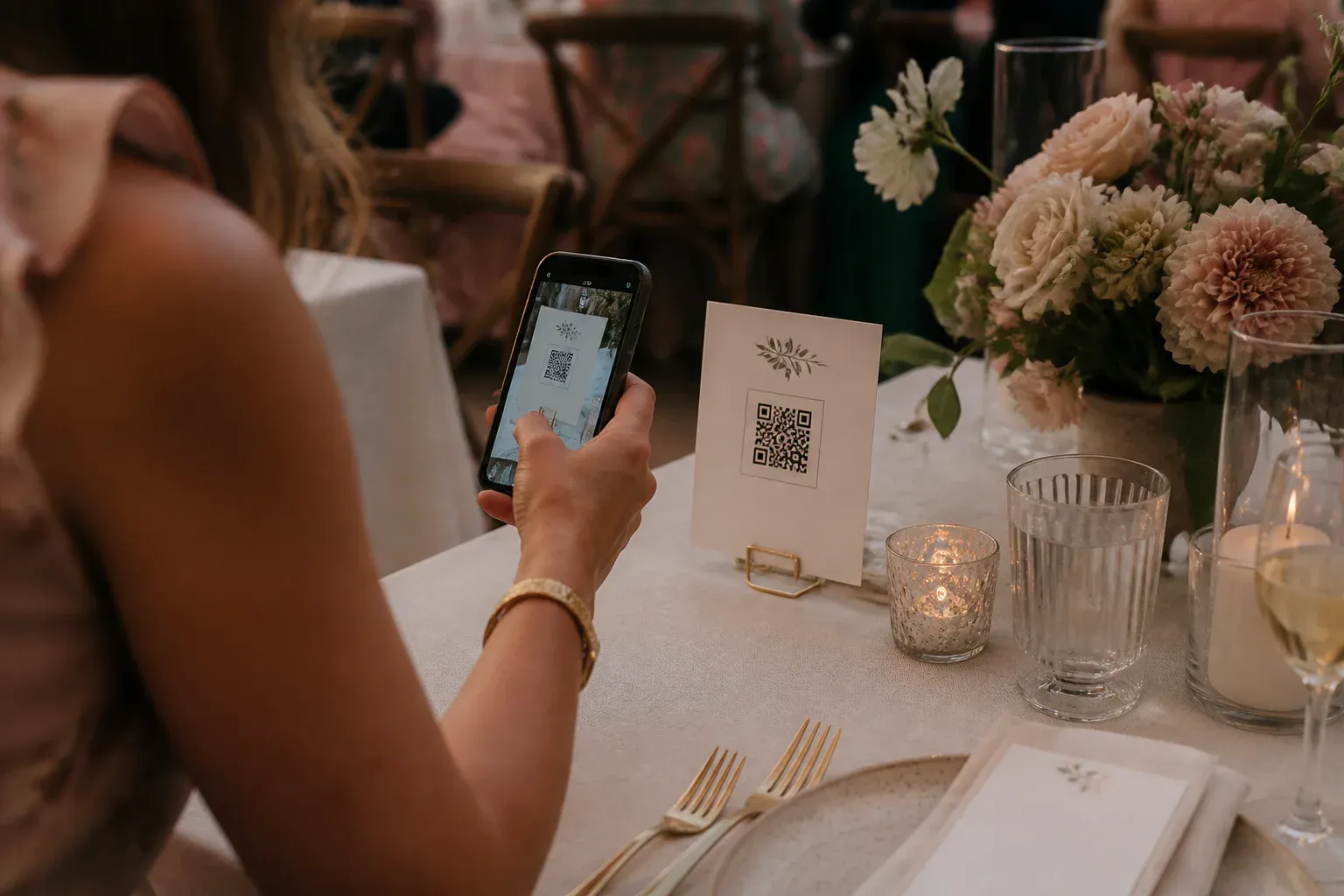
A QR code guest book is simple in principle: guests scan a code, write a message from their phone, and the message joins a collection you keep. Done well, it disappears into the wedding—no instructions, no queue, no tablet on a stand. Done badly, it is a laminated sign nobody scans.
The difference is placement, wording, and a little stagecraft. Here is the setup that works.
Choose where the messages go
Before printing anything, decide what scanning the code actually does. The strongest option is a live wall: messages and photos appear on a screen at the venue as they arrive, so contributing has a visible, immediate payoff. A collection that only the couple sees later also works, but participation drops when guests get nothing back in the moment.
With GuestWalls, creating the event takes a few minutes and gives you a short join code and QR code to print. Guests who prefer typing can enter the code at guestwalls.com/join instead of scanning.
Print the code where people pause
One sign by the entrance is the classic mistake—guests walk past it holding gifts and coats. Put the code where people sit and wait:
- Table cards. The single best spot. Guests are seated, phones are out, and dinner has natural lulls.
- The order of service. Guests read it twice: once before the ceremony, once during the slow bits.
- The bar. A small card near the queue turns waiting into contributing.
- The photo corner. Anyone taking pictures is one tap from posting one.
Always print the written address and code under the QR code. Some guests do not scan, and grandparents appreciate the option to type four letters instead.
Word the prompt, not the instructions
“Scan to sign our guest book” is adequate. A specific prompt is better:
Tell us the moment you knew we belonged together. Scan, or visit guestwalls.com/join · code ROSE
The prompt does the heavy lifting. Specific questions produce warm, personal messages; blank boxes produce “Congrats!!” Change the prompt between the ceremony, dinner, and dancing if you want variety.
Seed the wall before guests arrive
An empty screen makes the first guest hesitate. Ask the wedding party for three messages before the reception opens—one sincere, one funny, one from family. They set the tone and show everyone what belongs on the wall.
Decide on moderation once
If children, colleagues, or a particularly spirited groomsman will be posting, switch on approval mode: messages wait in a private queue until someone taps approve. Hand that job to an organized bridesmaid with a phone. For most weddings, though, direct posting is fine—the room self-moderates when everyone’s name is attached.
Keep the styling out of the way
Match the code card to your stationery: same paper, same ink, same typeface. The screen should follow the same rule—choose a display theme that echoes your palette rather than competing with it. The technology reads as intentional the moment it shares a color with the napkins.
After the wedding
The quiet advantage of the QR code guest book is what remains. Every message and photograph, in the order it arrived, replayable on the sofa the morning after—and on the anniversary, and the one after that. The paper book was always a proxy for that feeling; the live wall just captures it directly.
The checklist: create the event, print codes on the table cards with a written fallback, seed three messages, pick one clear prompt, decide on moderation, and match the styling. Everything after that, the guests do for you.