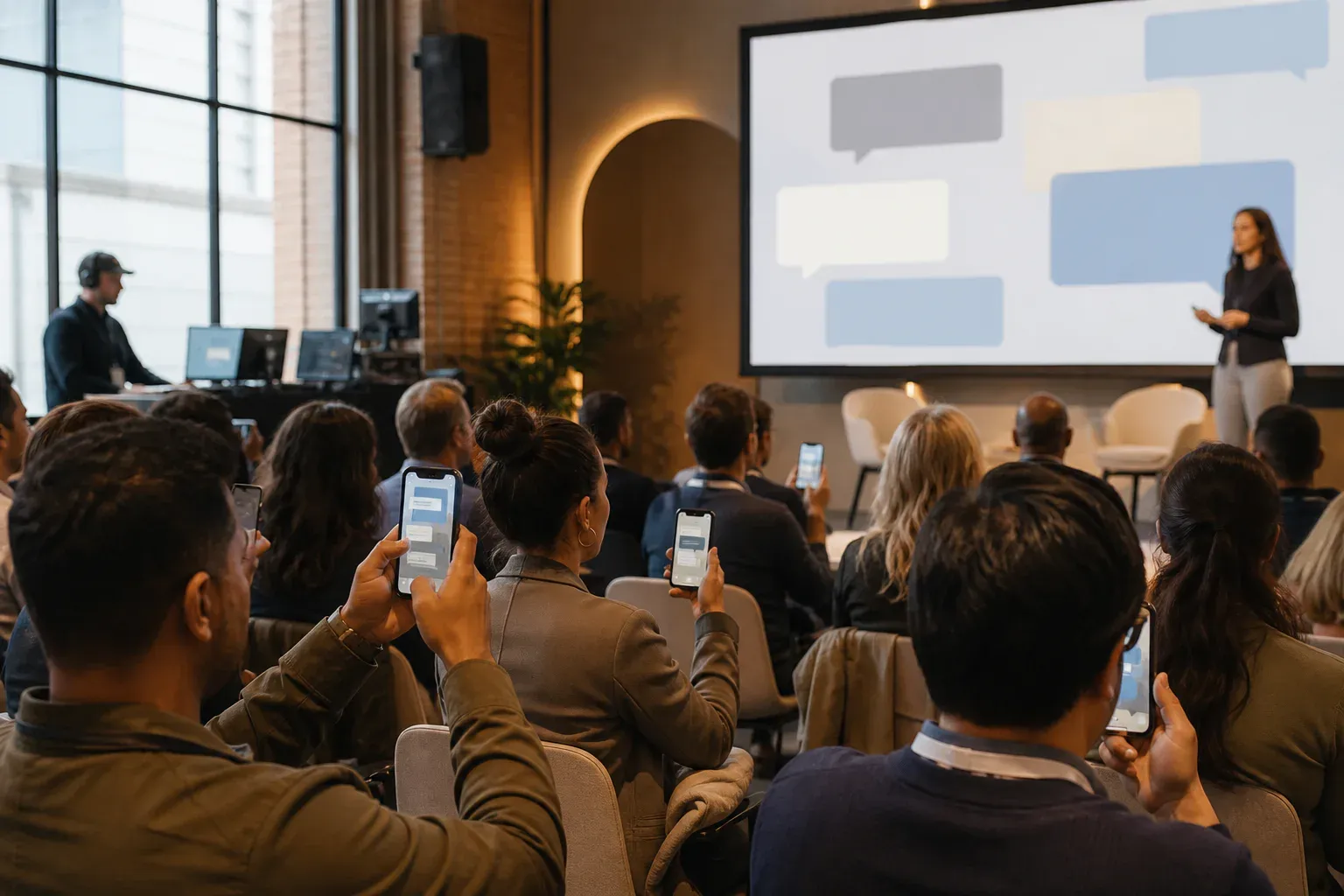
Every corporate event has the same tension: organizers want participation, attendees want to not download an event app. The engagement tools that work resolve that tension in one direction—toward the attendee. A browser, a QR code, and a reason to look up at the screen.
These are formats that reliably get a professional audience contributing, roughly in order of effort.
Open with predictions
Before a keynote or product reveal, put a prompt on the screen: What do you think we’re announcing? or One word for how this quarter felt. Attendees post from their seats, answers accumulate on the wall, and the speaker opens by reacting to a few of them. It warms up the room and gives the presenter free material.
Predictions work because they are low-stakes and slightly competitive. Nobody’s job depends on guessing the feature name, but everyone wants to be the one who called it.
Run questions through a moderated wall
Roving microphones favor the confident. A message wall favors the curious: anyone can submit a question during the talk, a moderator filters duplicates and off-topic posts, and the best questions reach the screen with the asker’s name attached.
The moderation step matters more here than anywhere else. Keep the queue between the audience and the display—it protects the asker as much as the event. A conference social wall with approval-first defaults handles this without extra tooling.
Give the launch a visible heartbeat
On launch night, the wall becomes a live record: congratulations from the team, photos from the floor, messages from remote offices in other time zones. The screen fills as the night goes on, and people check it the way they would check a group chat—except it belongs to the event, not to a platform.
Ask remote teams to post at a set time. A wave of messages from the Singapore office landing mid-party is a better connection moment than a video call ever was.
Replace the awards-night slideshow
Instead of a static deck between award categories, let the room post while the ceremony runs: congratulations to winners, photos of tables, the jokes that would otherwise stay at the back of the room. The wall keeps energy up during the administrative gaps that kill awards nights.
Retire the hashtag wall
If you ran social-media walls a few years ago, you know how this ended: the platforms changed the terms outside tools depended on, embeds broke, and a public tag invited exactly the content you feared. The direct-posting model replaces it wholesale—attendees post straight to your screen, the content belongs to the event, and nothing your evening depends on can be switched off by a social network. The full comparison is worth reading before you print the tag on four hundred badges.
The practical difference shows up in participation too. Posting to a hashtag means posting to your followers; posting to the event wall means talking to the room. People say warmer, more specific things to a room.
The mechanics that make all of it work
Whatever format you choose, the same four details decide whether the wall fills up:
- No install, no account. A QR code that opens a browser form. Every extra step halves participation.
- A specific prompt on screen. “Post your questions” underperforms “What should we build next year?”
- Seed it. Three posts from organizers before doors open. Empty walls stay empty.
- Staff the queue lightly. One person with a phone can moderate a 500-person event. They approve; the display runs itself.
Engagement at corporate events is not a technology problem—attendees carry supercomputers and opinions. It is a friction problem. Remove the download, sharpen the prompt, and the room will meet you halfway.